A company is a client, legal entity or sole proprietor that applies to you for getting products or services. That is, you cooperate not with a specific person, but with the organization as a whole, through its authorized persons.
In CRM, the company is the organizational and contact data of the client (a legal entity or sole proprietor), which are added and stored in the database. It's also an important part of the deal because it allows you to personalize it.
How to add a company?
You can add a company to the CRM manually. To do this, click on the corresponding button. It is available both in the List and when working with companies on the Kanban board (if there are scheduled Activities for these companies).

The form for creating a company will open. First, you need to specify the name of the company, as well as assign a person responsible.

❗️But you can fill out the company name in a special field in the About company block at once. Then, when saving, it will automatically be pulled into the Name field above.

The system will report an error if you try to save the company without filling out any of these fields at all.

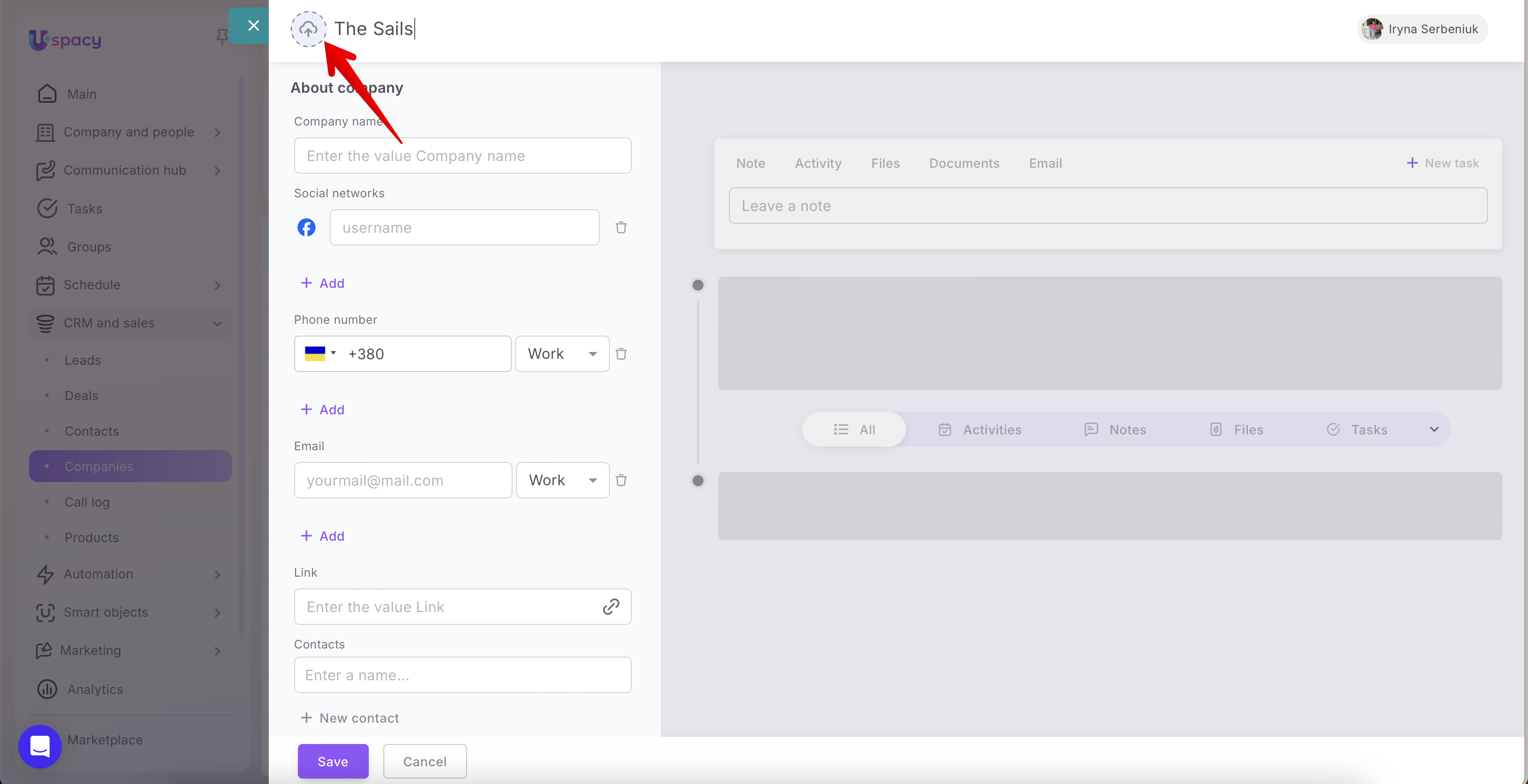
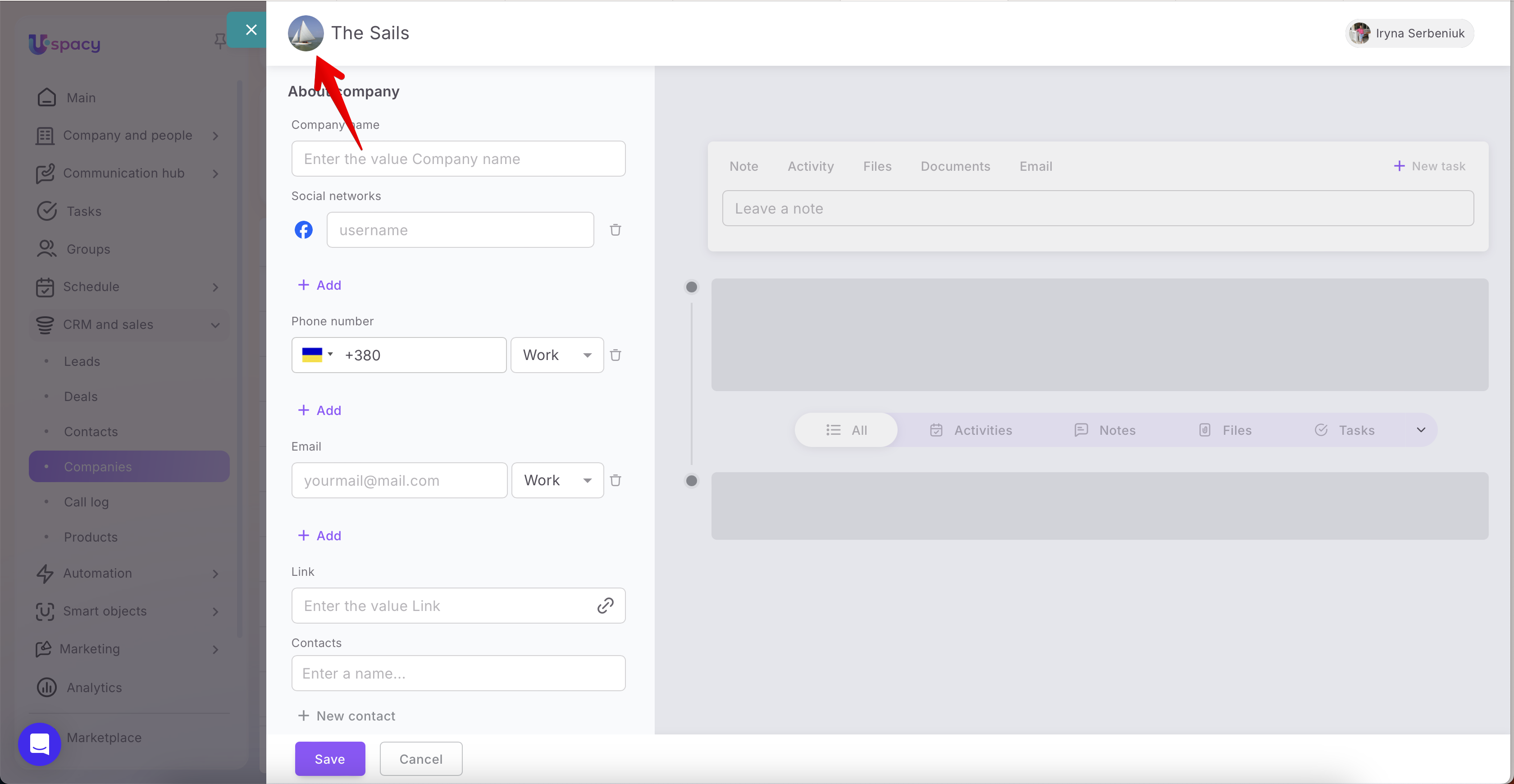
There is also an option to upload a company logo — a visual enhancement that makes working with the CRM more personalized and enjoyable. It also helps you navigate the client database more quickly.
Next, you need to fill out the fields that the element card contains.
☝🏻Please note that by default the company has its own standard set of fields. But every user of Space who has access to work with this CRM entity can customize their own appearance of the company card. It means to arrange the fields in the desired order, remove unnecessary ones from the section and replace them with other fields. Or just create new sections and delete existing ones.

Therefore, how the form for creating a company will look depends on the CRM card appearance settings for the company.
You can read more about this in the following article.
We will show to fill out the fields for the standard appearance of the company card.
First you need to enter the name of the company in the About company block. You can duplicate it from the field above or add an extended one, for example, mentioning the organizational and legal form.

Then you can also specify social networks. For example, Facebook, Instagram, Telegram, Twitter, Viber, Whatsapp, LinkedIn.

Click Add and select the desired one from the list.

Specify the phone number and select its type: Work, Mobile or Home.

If you need to change the country code, click on the check box and select the desired option from the list.
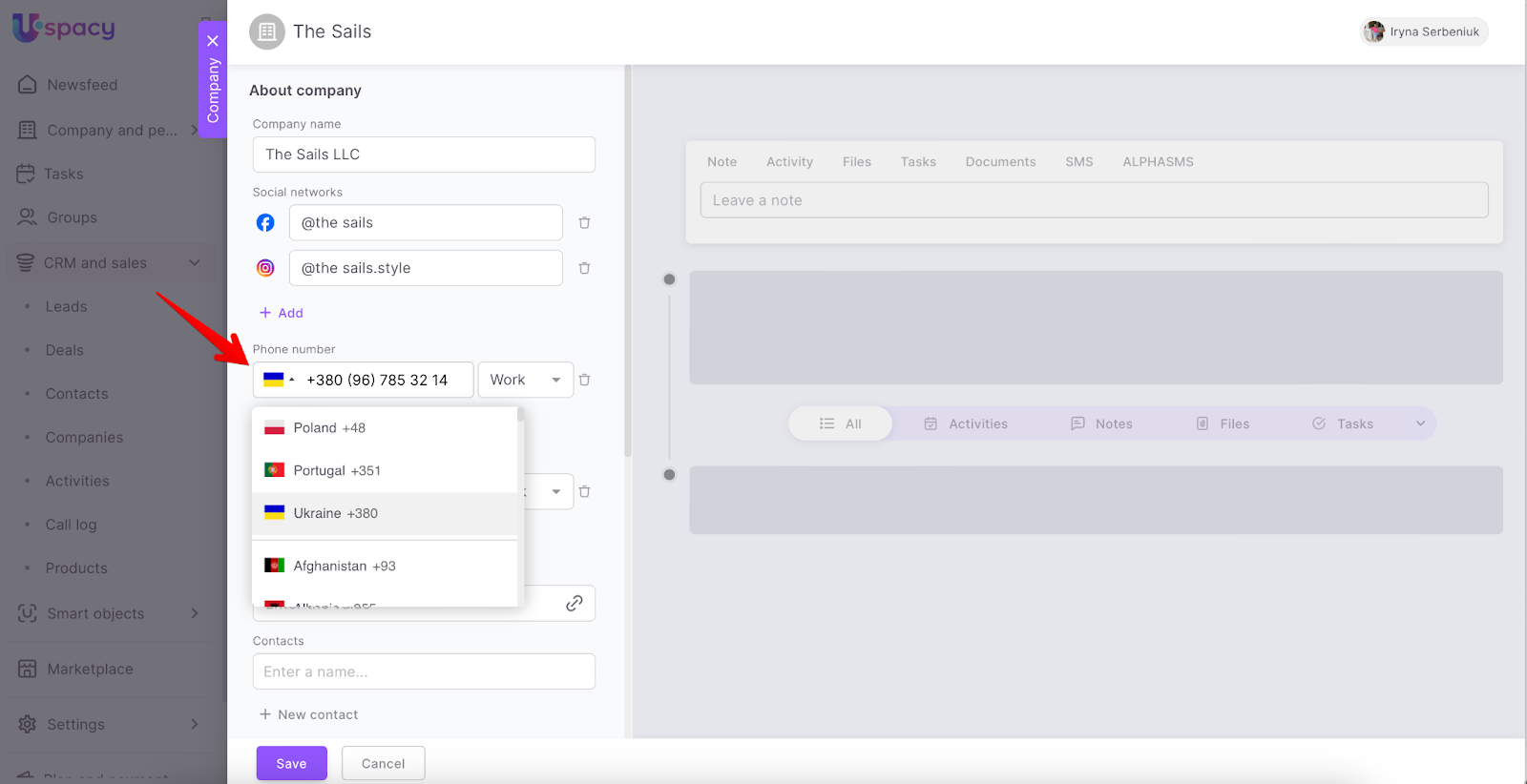
If you know several phone numbers and want to specify them all, then click Add.

You can also specify an email address and select its type. It can be Additional, For mailings and Work.

It’s possible to specify several email addresses.

Also add a link to the company's official website.

To match a company to a contact, start typing its name in the field.

Or create a new one at once.

🔍 You can read more on how to create a contact in the cards of other CRM elements in the following article.
If necessary, you can write a comment in the Additional block. The text in it can be formatted using the built-in editor.

💡For example, in this field you can add information about payment details or data for exchanging documents, zip code or post office number for receiving products.
Also, if you know where the client "came" to you from, specify the Source. It can be a Call, Link, Email, Advertising, Partner, Recommendation and Other.
And also specify the Company Type to characterize and outline it in your database. You can select from the following options: Unknown, Active client, Prospective client, Former client, Partner, Contractor, Competitor, Spam.

If you know the address of the company's office, add it as well.

When all the fields you need are filled out, click Save.

After that, the company will be available for further work with it.
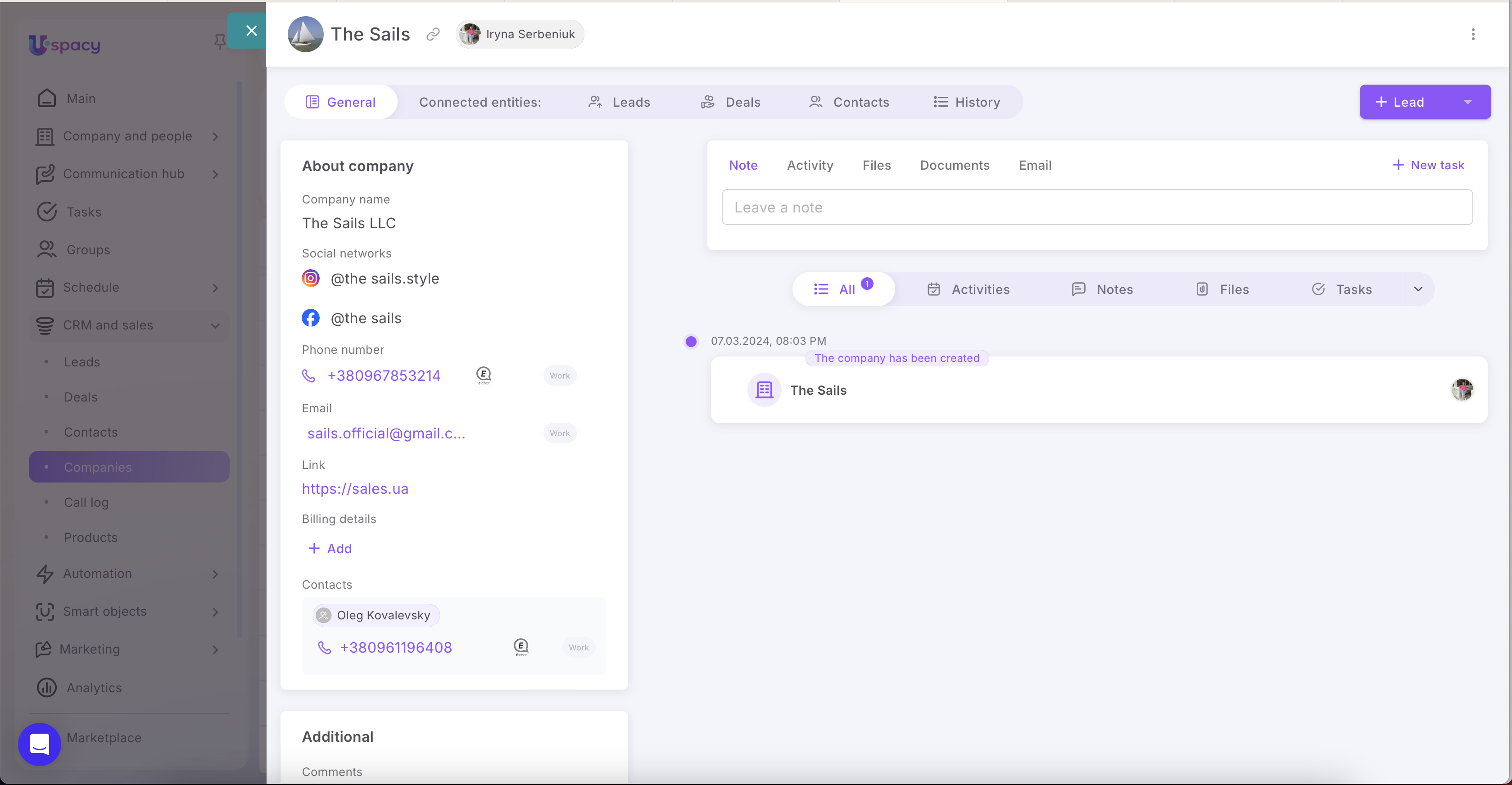
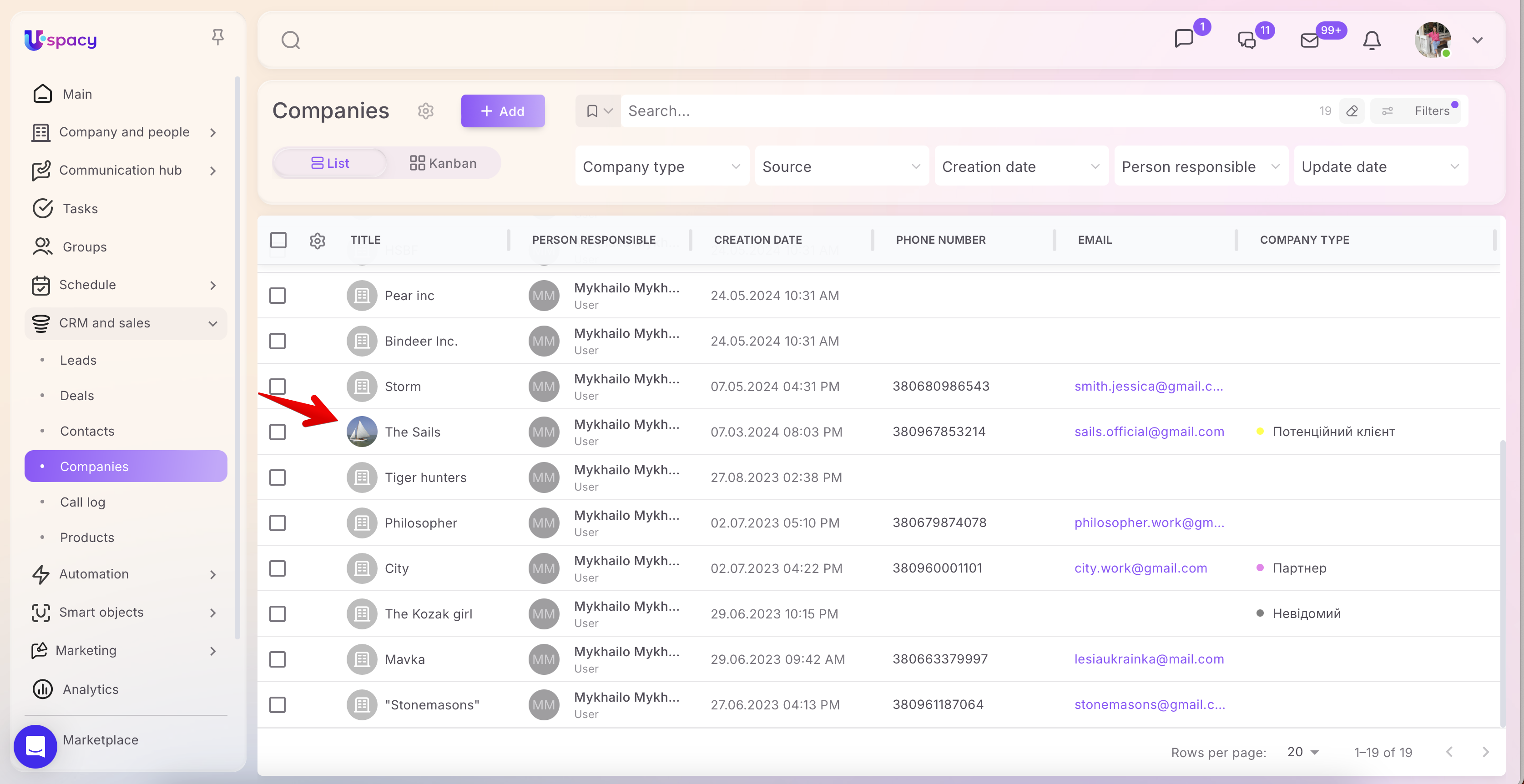
The company will be displayed in the list at once.
Quick adding in the deal card
You can create a new company directly in the card of the deal you are working with. To do this, in editing mode, simply click on the corresponding button and fill out the form.

🔍 You can read more about creating companies in the deal card in the following article.
Lead conversion
And you can also add a company by converting the lead. It is enough to select from the list which option will be the result of its processing.

🔍 You can read more about converting leads in the following article.
If you have additional questions or you need to contact the support, send a request to this email [email protected]
Created: April 21, 2023 / Updated: December 12, 2025