
We keep saying that a product like ours can never truly be finished. There’s always something we can add, speed up, simplify, make more convenient, or automate for you with Uspacy. That’s exactly what we focused on throughout September.
🟣 More personalization means more convenience and flexibility. Your Uspacy main menu can now look exactly the way you want it to. Hide sections you rarely use and move your most frequently used pages to the top. You can even create your own sections and add the pages you need to them. Everything is designed to help you stay focused on what matters and avoid unnecessary steps.


🔍 Learn more in the article “Customizing the Workspace left menu.”
🟣 Want to stay up to date with everything happening across your company? We’ve added email notifications to complement our intelligent notification system in the Workspace and apps.
🔍 Learn more about how notifications work in the article “Notification settings in Space.”
🟣 Execution history for Conditional Actions and Processes is now available to all clients. This makes it much easier to troubleshoot complex business processes and provides complete visibility into how your automations are working.

🔍 Learn more in the article “Automation execution history.”
🟣 We’ve also added task cloning to Conditional Actions and Processes.
🔍 Learn more in the articles:
🟣 Sending a generated document or a file from a field in an email provides maximum flexibility when working with documents. And here’s a little secret: some major document-related updates are coming very soon.


🔍 For more information, see the article “Generating documents through Conditional Actions and Processes.”
🟣 Employees can now add themselves to Tasks as Observers or Participants. Team members can monitor progress or contribute to a task without needing an invitation from the responsible person. It turns out this was a real challenge for larger teams.

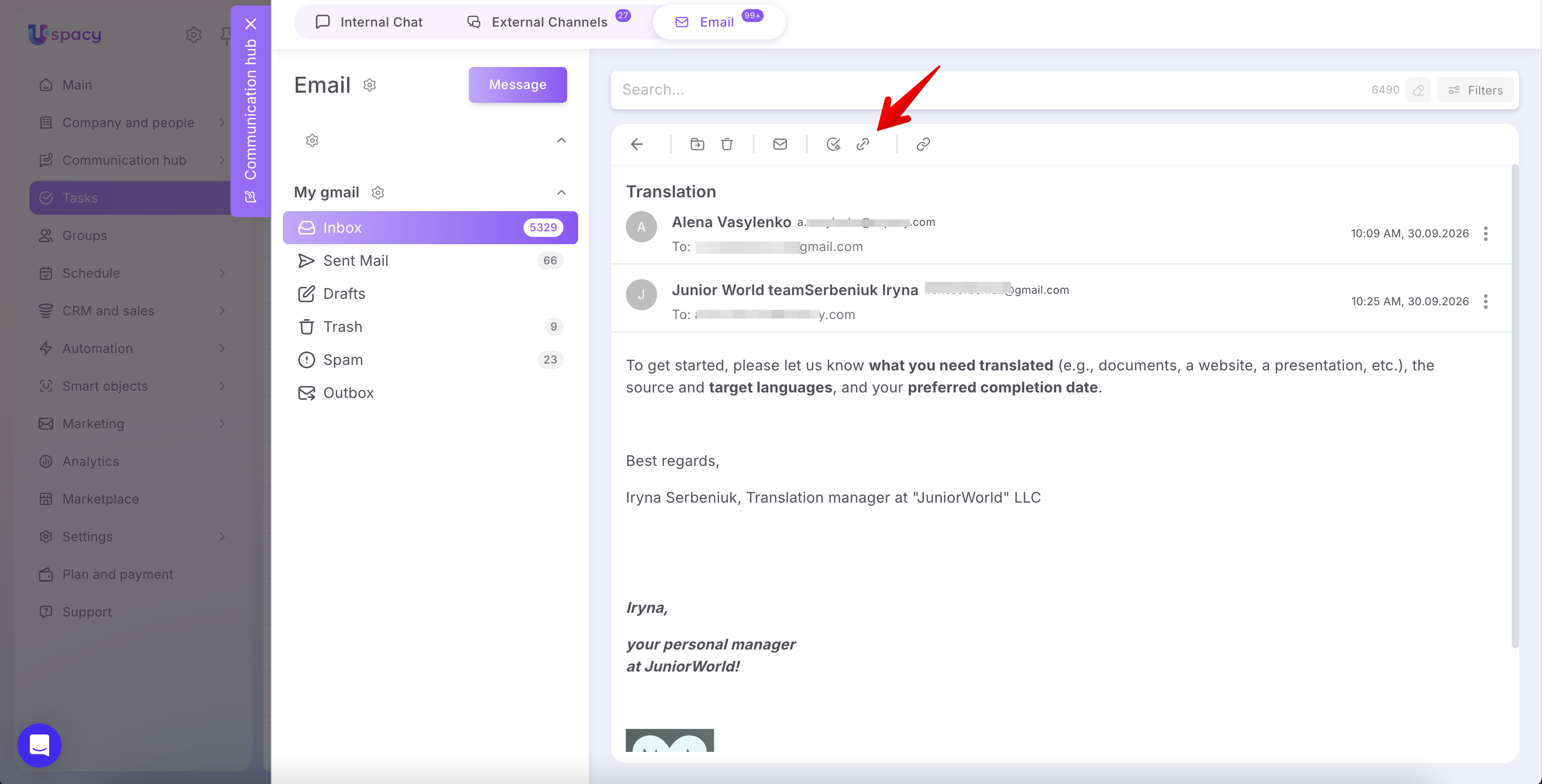
🟣 We’re continuing to strengthen the connection between Email and Tasks. You can now see information about the email linked to a Task and vice versa.
🟣 We’ve also updated the email recipient dropdown. There’s no need to enter an email address manually—just select it from the list.
🟣 Email templates are finally available for Email and CRM. No more typing the same messages over and over—just select a ready-to-use template.

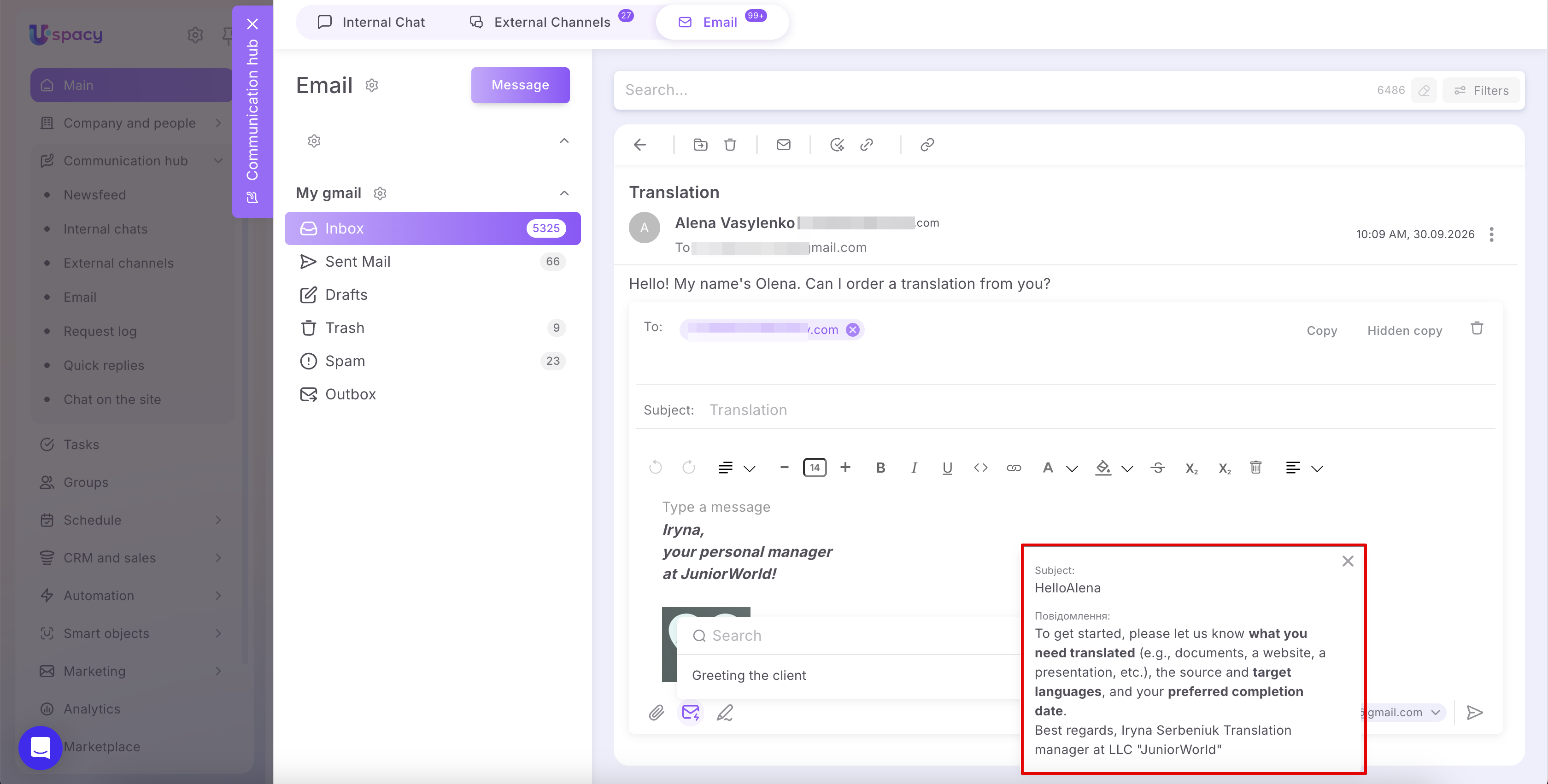
🔍 Learn more in the article “Quick replies for Emails.”
🟣 When merging CRM entities, it’s important not to lose correspondence or interaction history. That’s why users can now merge emails when merging duplicate records.
🔍 Learn more about how duplicate merging works in Uspacy in the article “Work with duplicates in CRM.”
🟣 We added product permissions in September. You can now flexibly control which employees have permission to view and edit the product catalog.

🔍 Learn more about configuring permissions for CRM entities in the article “Roles and permissions at Uspacy.”
🟣 We’re continuing to expand our marketing tools, so we’ve added the ability to create Smart Objects from Uspacy Forms. This opens up many new ways to use forms for custom business processes.

🔍 Learn more about Uspacy Forms in the article “Forms: What are they and how to create them?”
🟣 And finally, a new app is now available in our Marketplace. The Wix integration automatically sends submissions from your website to CRM, allowing you to manage and follow up with clients directly in Uspacy.

🔍 Learn more in the article “Wix integration: How to connect and set it up?”
All September updates are now available. Enjoy the new features, build better business processes, and stay focused on what matters most!
If you have additional questions or you need to contact the support, send a request to this email [email protected]
Created: September 30, 2026