When scheduling activities, it is important to understand how much time you need, as well as whether you have it on that particular day. If you need to involve colleagues, it would be helpful to know their schedule as well.
Employment control is a logical and convenient option at the very start, that is, at the time of scheduling activities. Because it will help to allocate your working time productively, take into account the possibility of involving colleagues and do quality work.
That's why the Schedule option is available at Uspacy. With its help, you can easily monitor both your own employment and the employment of your colleagues.
🌟Availability schedule in activities is available only on commercial plans.
You can read more about the features of all plans on the prices page.
How does it work?
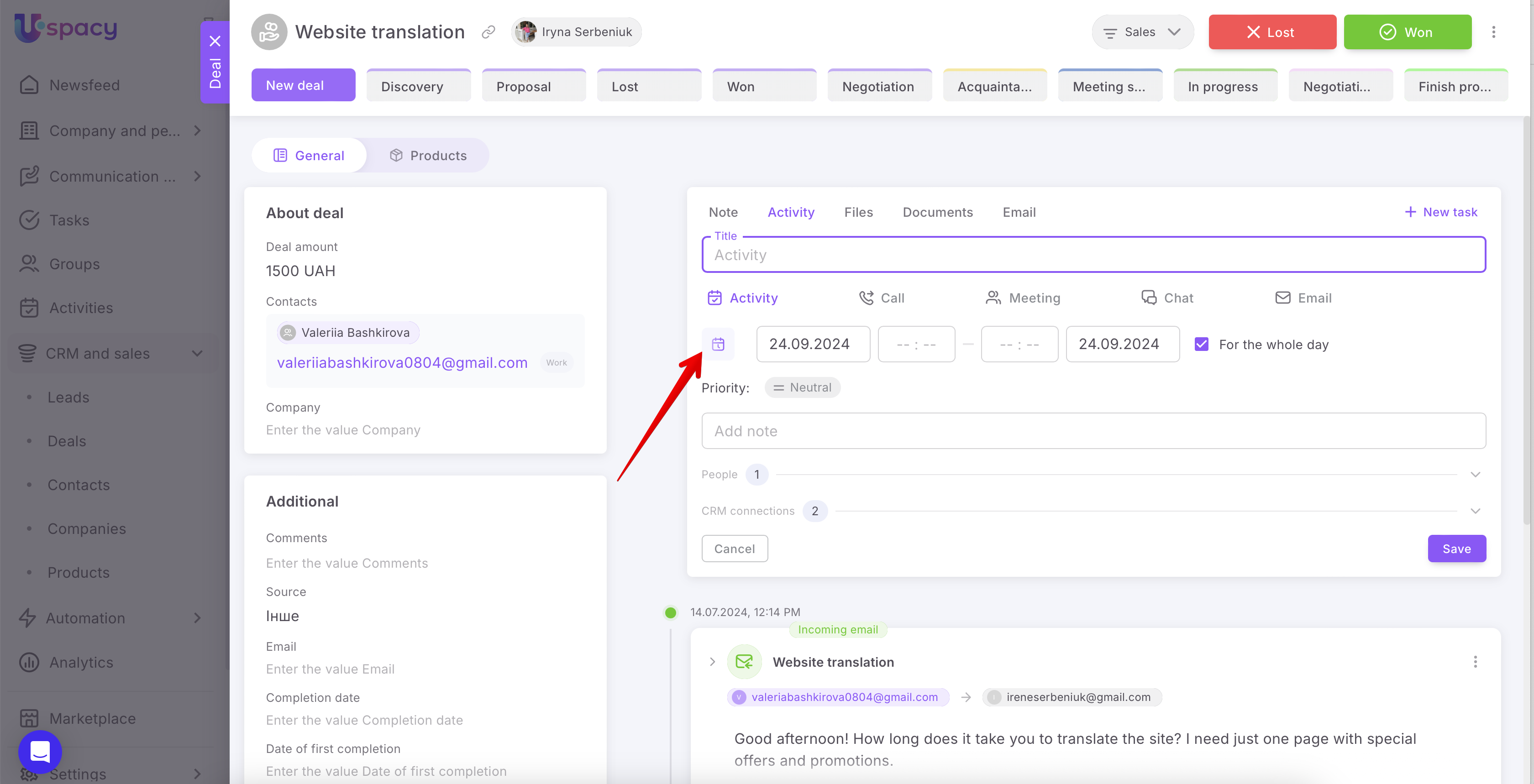
When creating an activity, the activity card itself will automatically open with the Schedule tab.

💡You can close it if needed. Just click on the corresponding button.

As a result, the schedule tab will be collapsed.

When creating an activity in the card of a CRM element or a smart object, it is vice versa. The schedule tab must be called up manually. To do this, click on the corresponding button.
So what are the advantages? When scheduling an activity, you can find out whether you have free time on the day you need, and when exactly.

That is, it helps to avoid situations when activities are scheduled for the same time. This causes ineffective completion, postponement or cancellation of activities as a result.

In such a way, it is clear when to adjust the time a little.

In addition, if you add members to the activity, you can also see their availability.
💡It’s possible in case there is permission to view all activities in the Space in the settings of roles and permissions.
If the permission is set to view only YOUR OWN activities, then when adding another member, their availability will appear as follows⬇️
That is, a user without the necessary permissions will only be able to see blocks of scheduled activities by a colleague with time slots, but without the title. The details will be hidden.

When the activity is shared, in this case, a user with permissions to view only their own activities will be able to see the title of the activity in the time slot.

The title will be duplicated for each person, both for the person responsible and separately for the members. The task slot itself will be divided into parts according to the number of users.


But make sure that the All activities filter is selected in the schedule tab.

When adding members, the filter Activities of the person responsible is active, then you will not see the activities of these members.

Marking
For a better understanding, let's outline the main visual marks of the availability schedule:
🟣 A line that defines the current time. If you are scheduling an activity for this very day, and not for tomorrow or next week, then the current time will guide you.

Its color depends on the color theme of the Space.

🟣 Activity time period. That is, the interval that corresponds to the duration of the event.

The more time it will take to complete the activity, the wider it is.

Scheduled activities are displayed in a similar way. The more hours required for completion, the wider the activity block is (from hour A to hour B).

🟣 Scheduled activities of the person responsible (always purple) and activities of other members are light blue.

If you have additional questions or you need to contact the support, send a request to this email [email protected]
Created: August 30, 2024 / Updated: January 9, 2025