Email campaigns in Uspacy are powered by email packages. You get your first 1,000 emails for free. Your remaining balance is always displayed in the interface, helping you plan your sending.
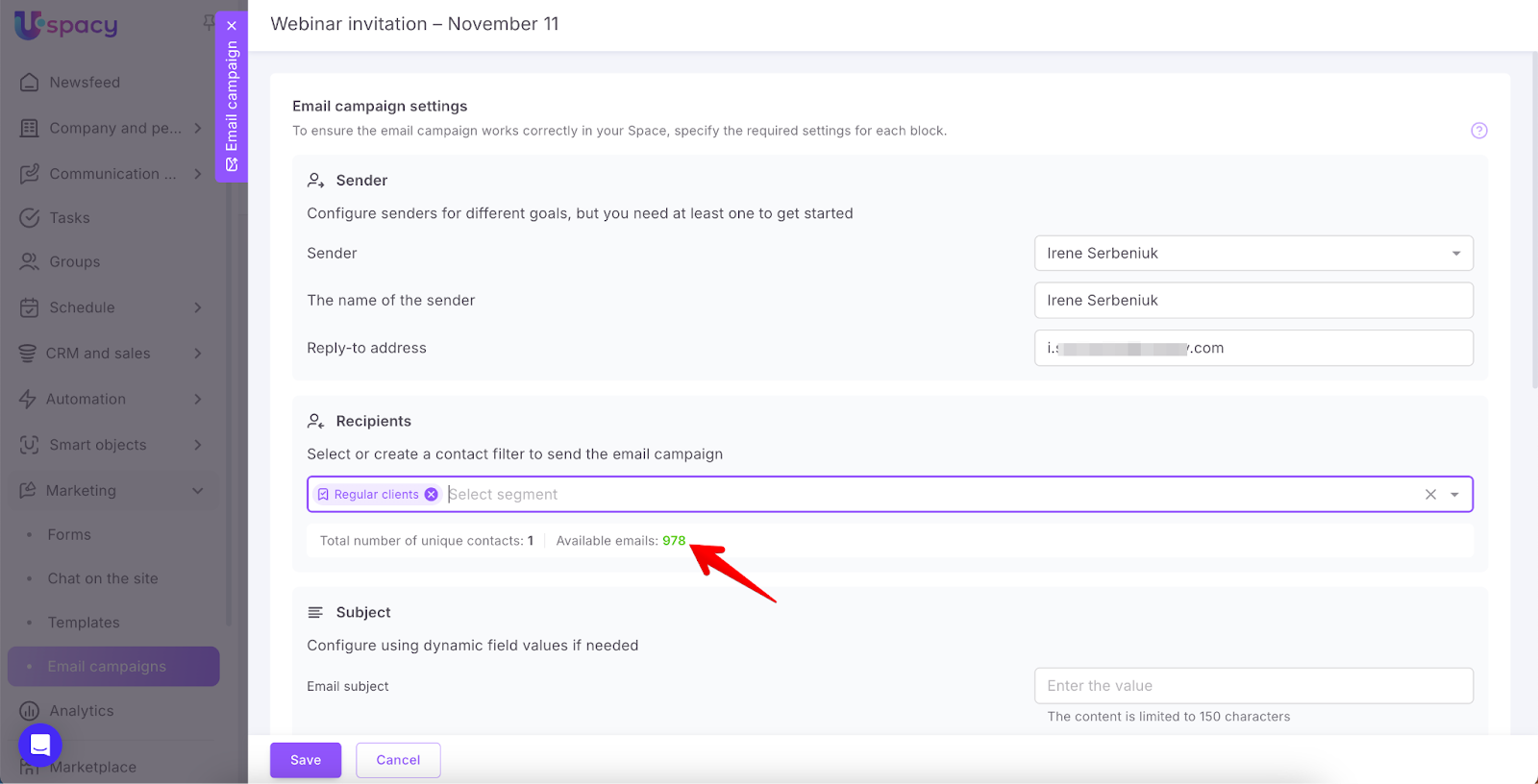
When your free limit or a purchased package runs out, you can buy additional email packages: 10,000 emails or 100,000 emails. Purchases are made via the Plan and Payment section.
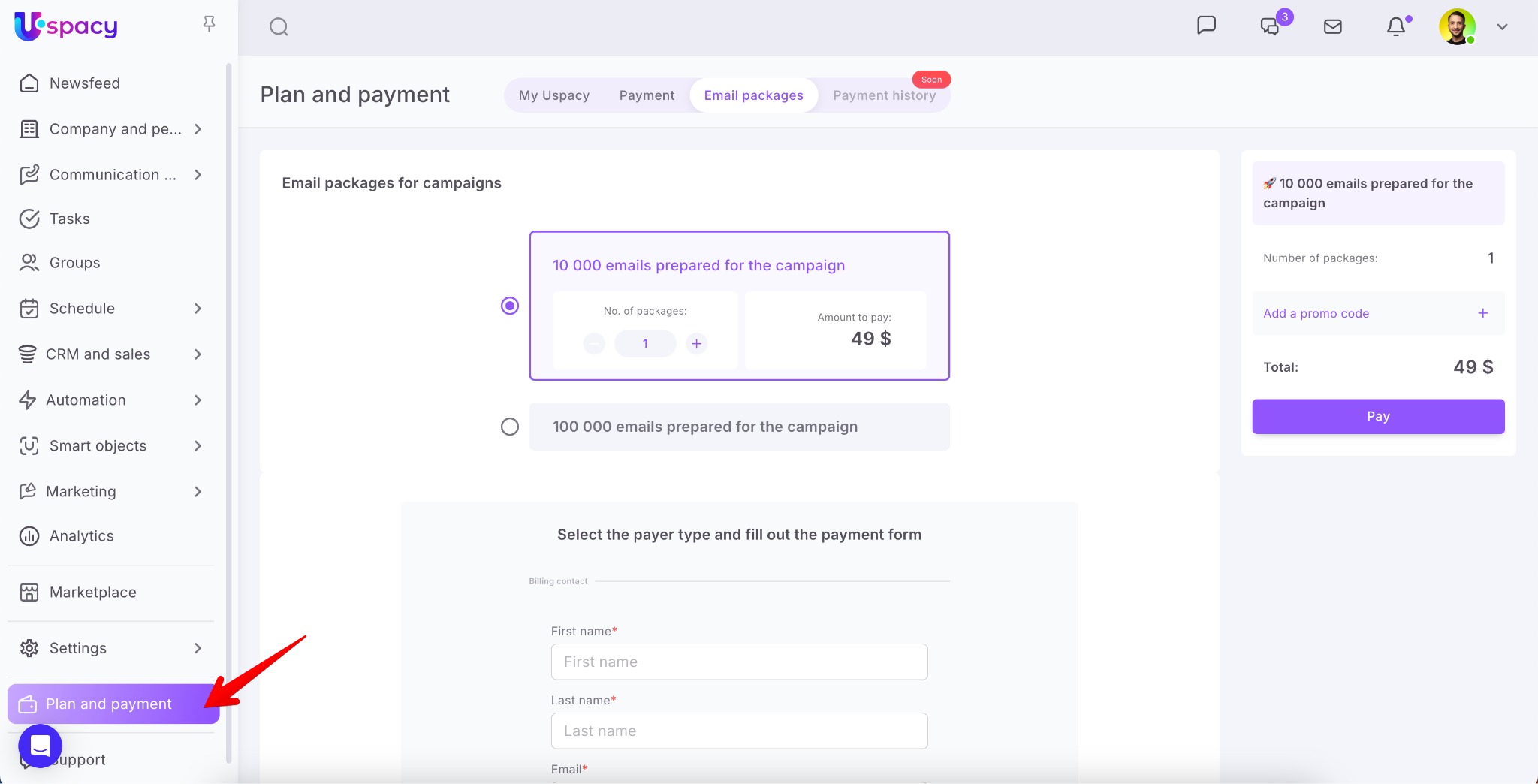
How to purchase & pay?
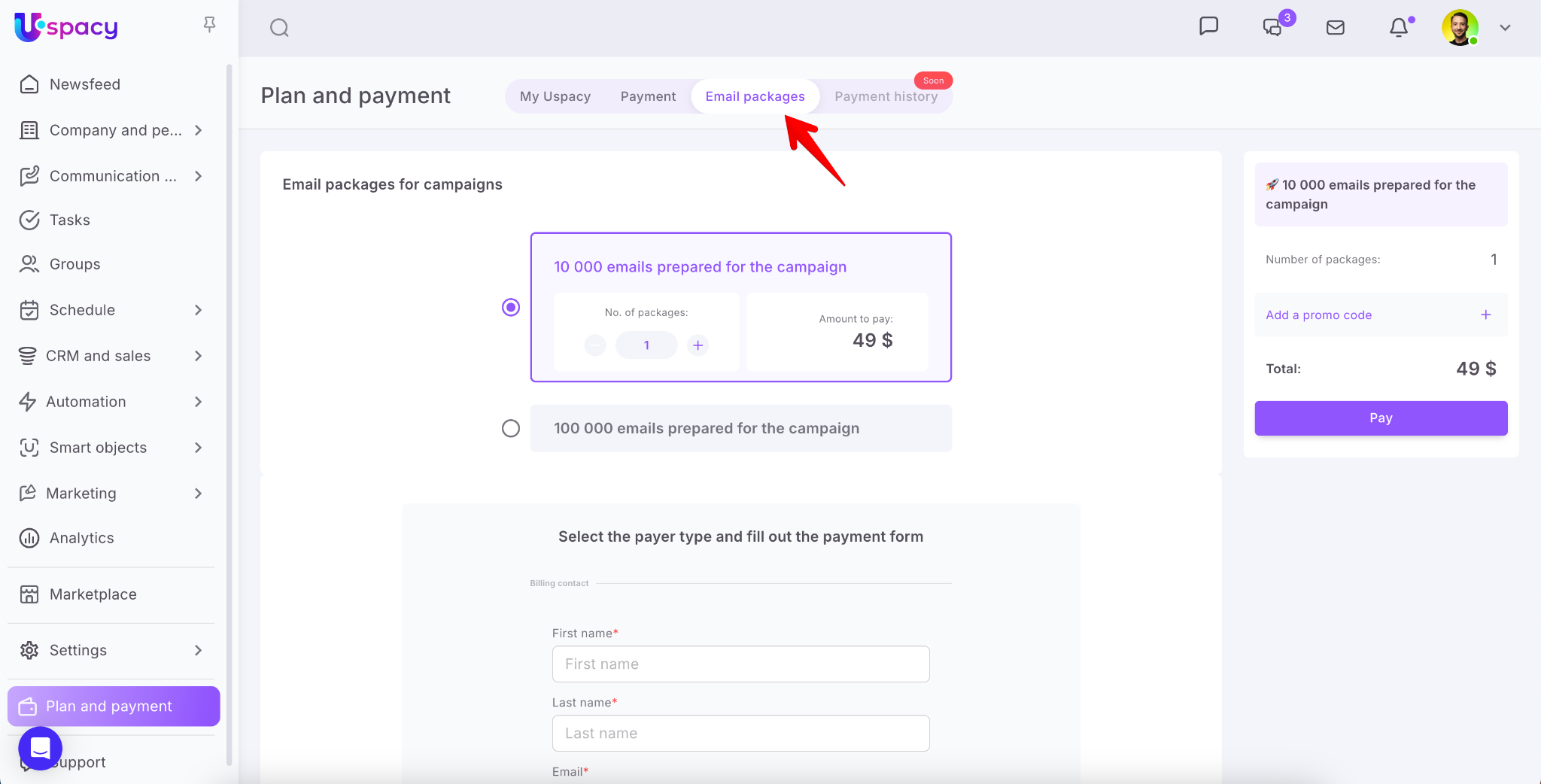
Go to the Email packages tab.
❗️Note: Only Workspace owners and administrators have access to this section.
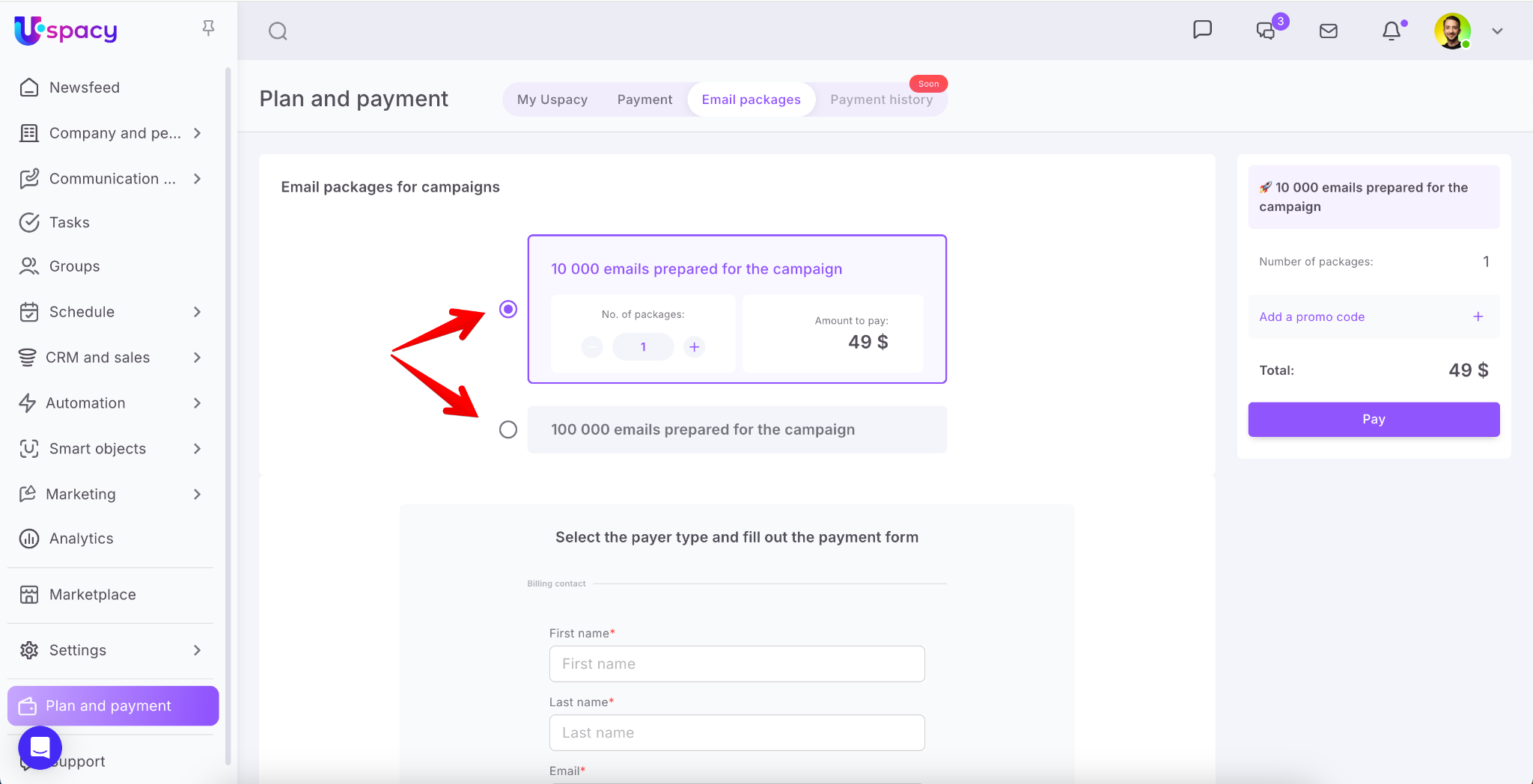
Select the email package you’d like to purchase.
Next, enter the payer’s information and click the Pay button. After that, you will be redirected to the payment page via the Stripe payment system.
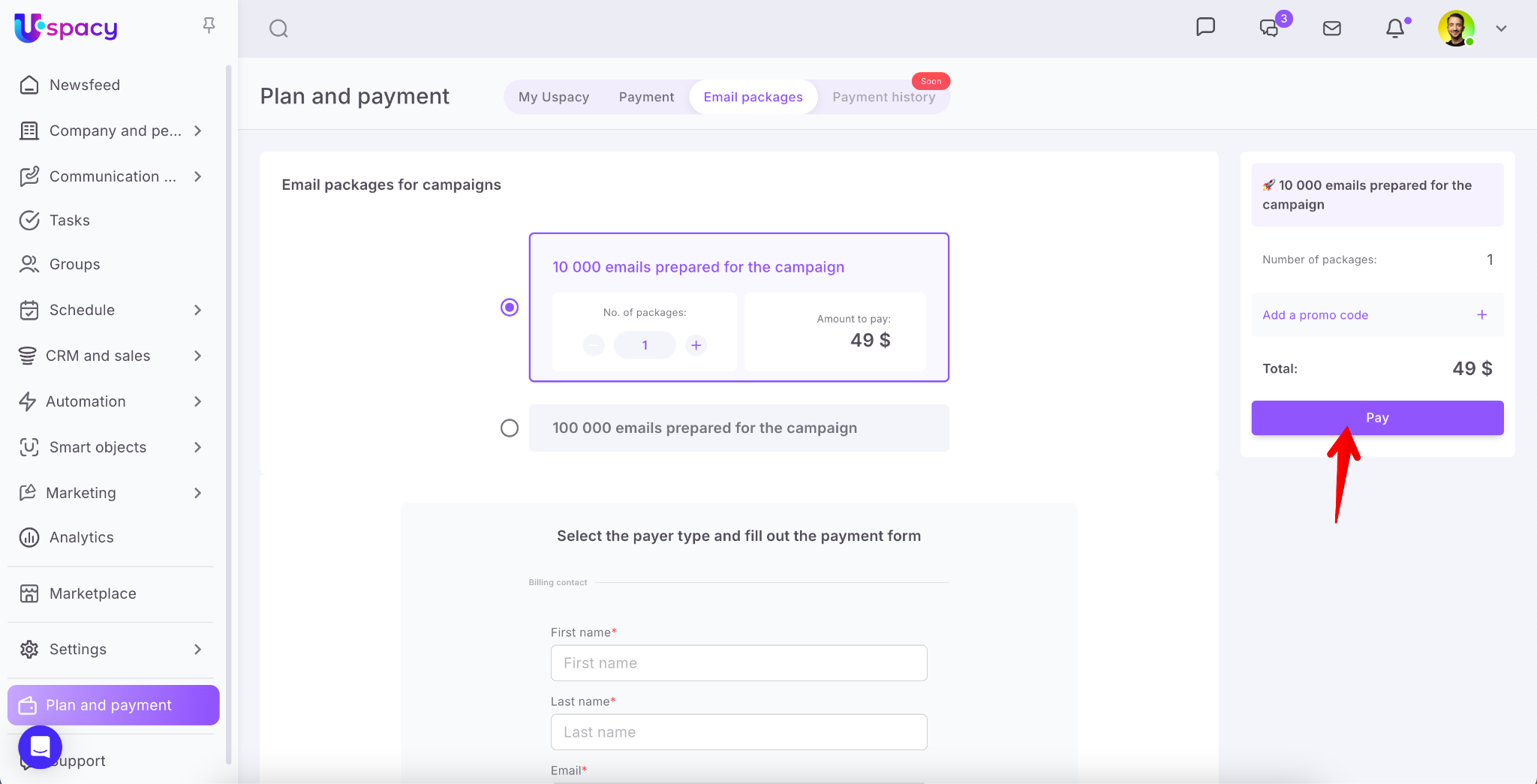
The process is similar to how you pay for your subscription plan.
If you have additional questions or you need to contact the support, send a request to this email [email protected]
Created: October 2, 2025