The Space owner, administrator and users with certain permissions can edit the department and its staff.
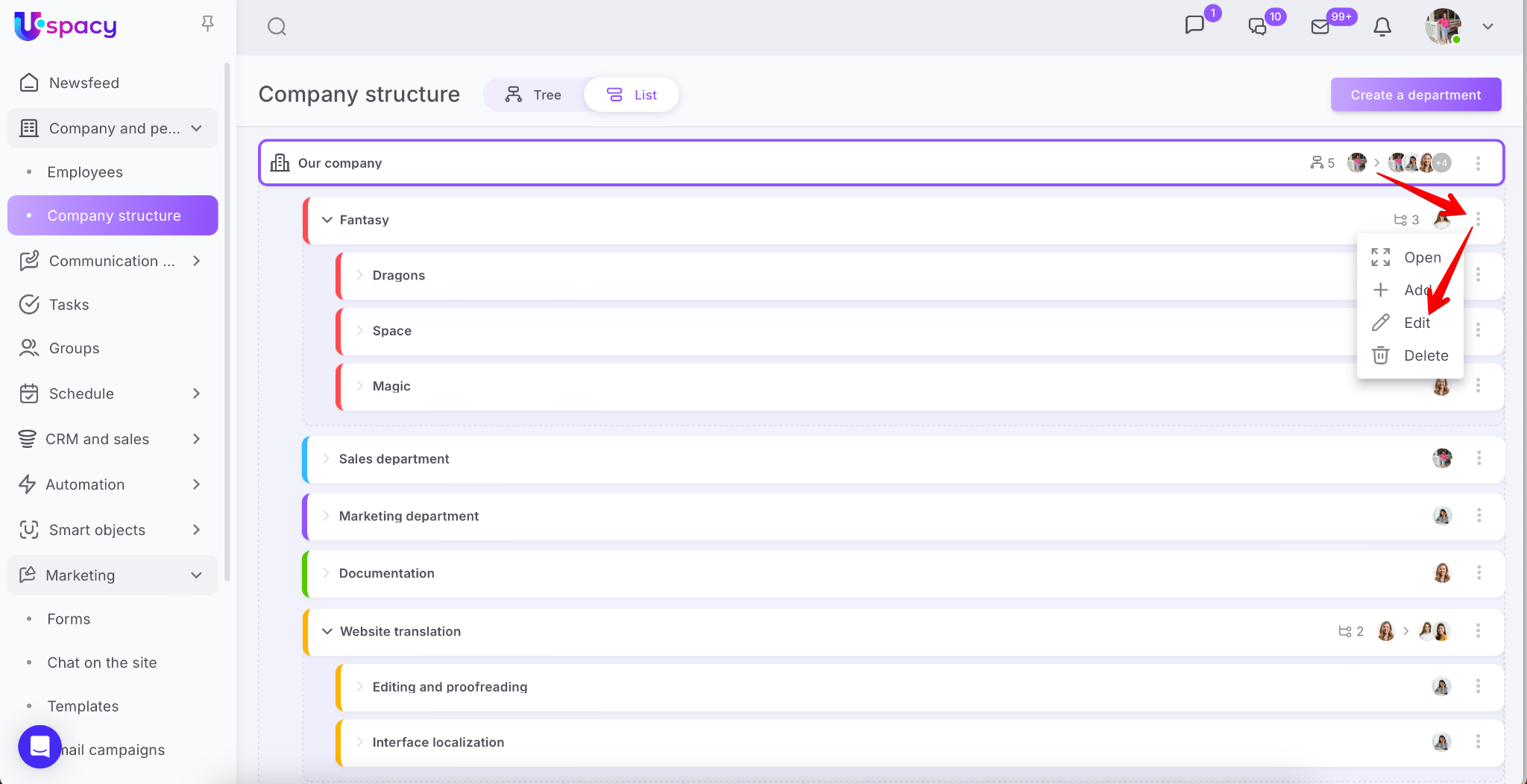
This can be done in several ways. To go to department editing mode, you need:
- Call the interaction menu and click on the corresponding item.
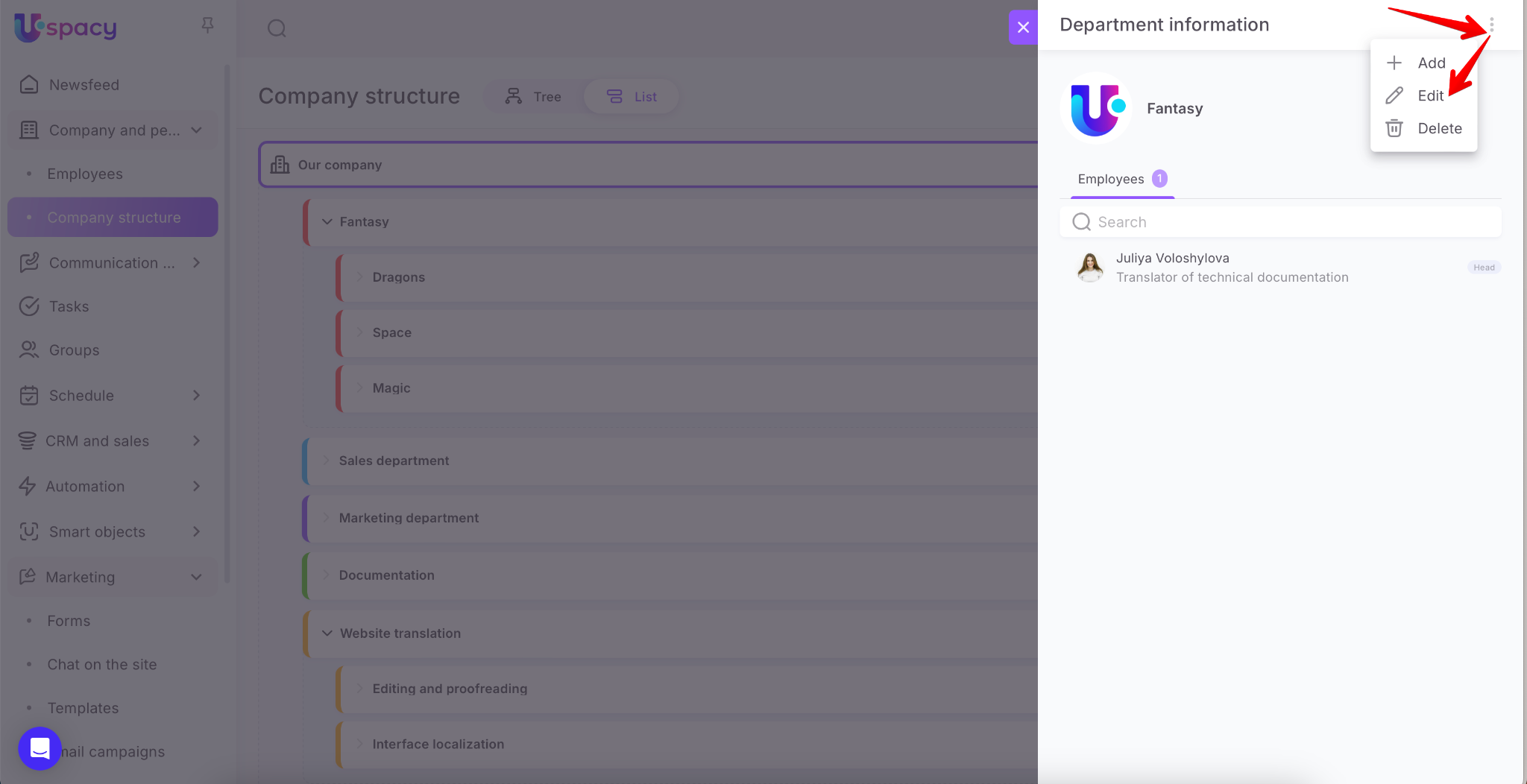
- Or, first go to the department viewing, and then use the Edit button.
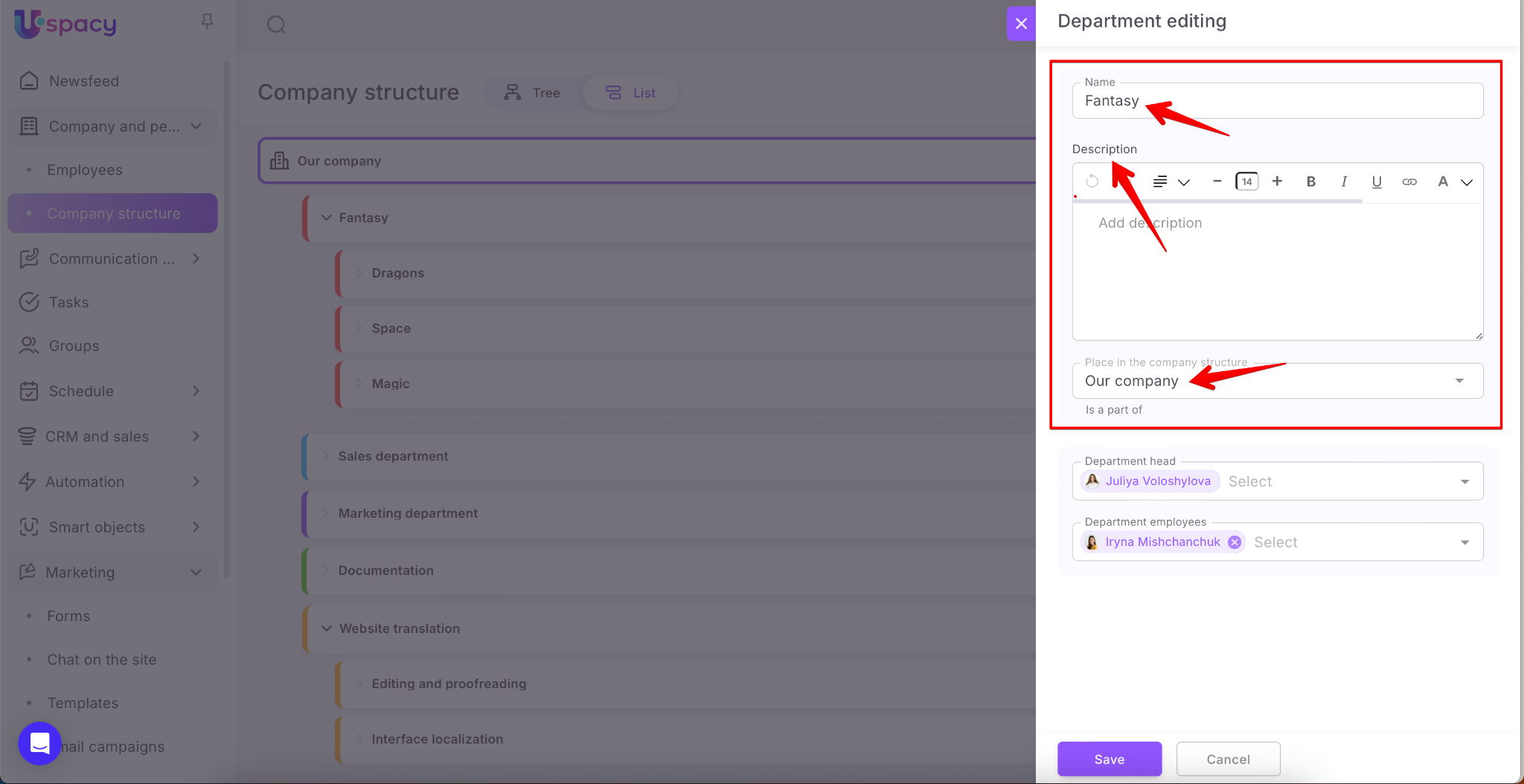
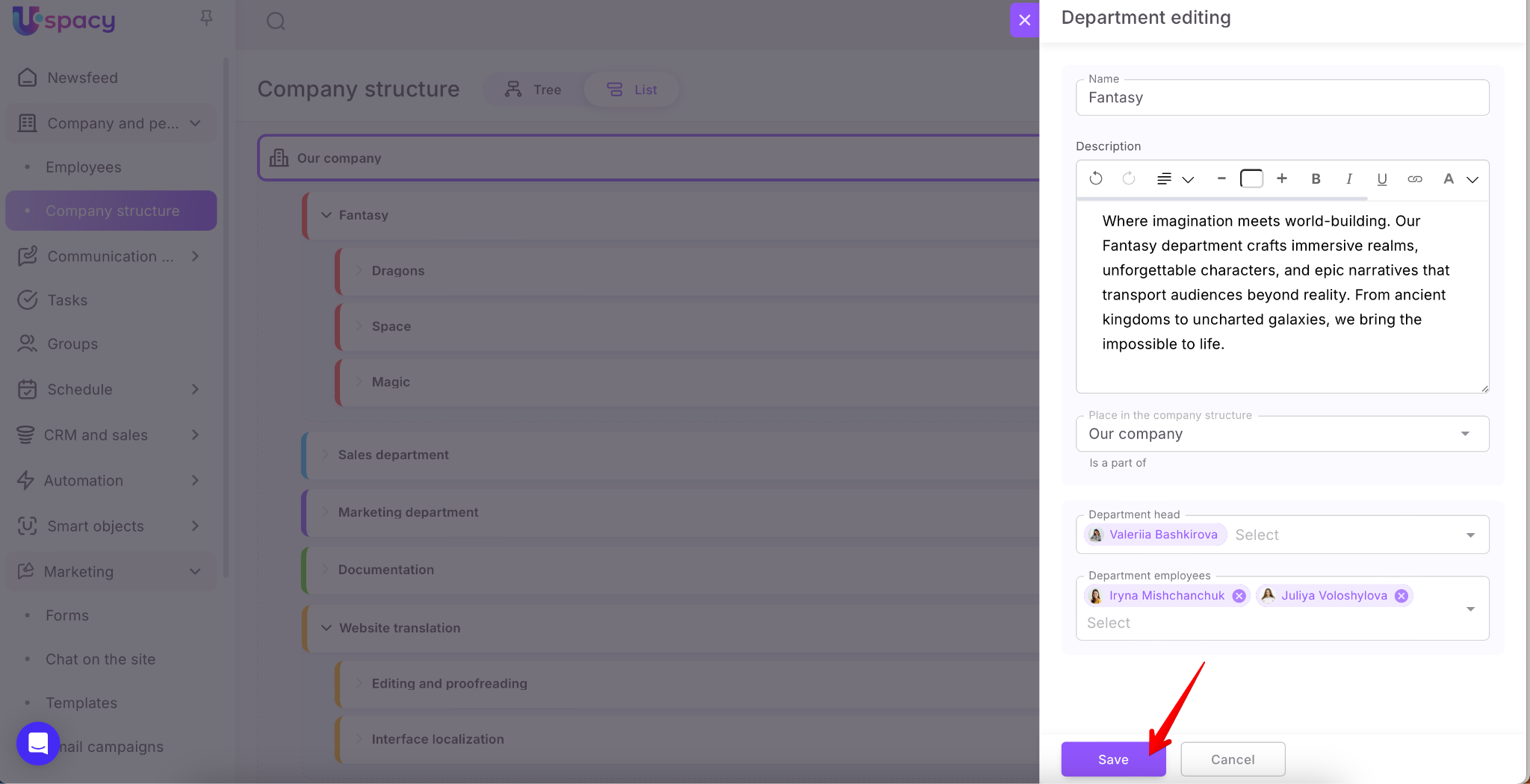
In edit mode, you can change the general information, especially the name and description. And also the place of the department in the company's structure.
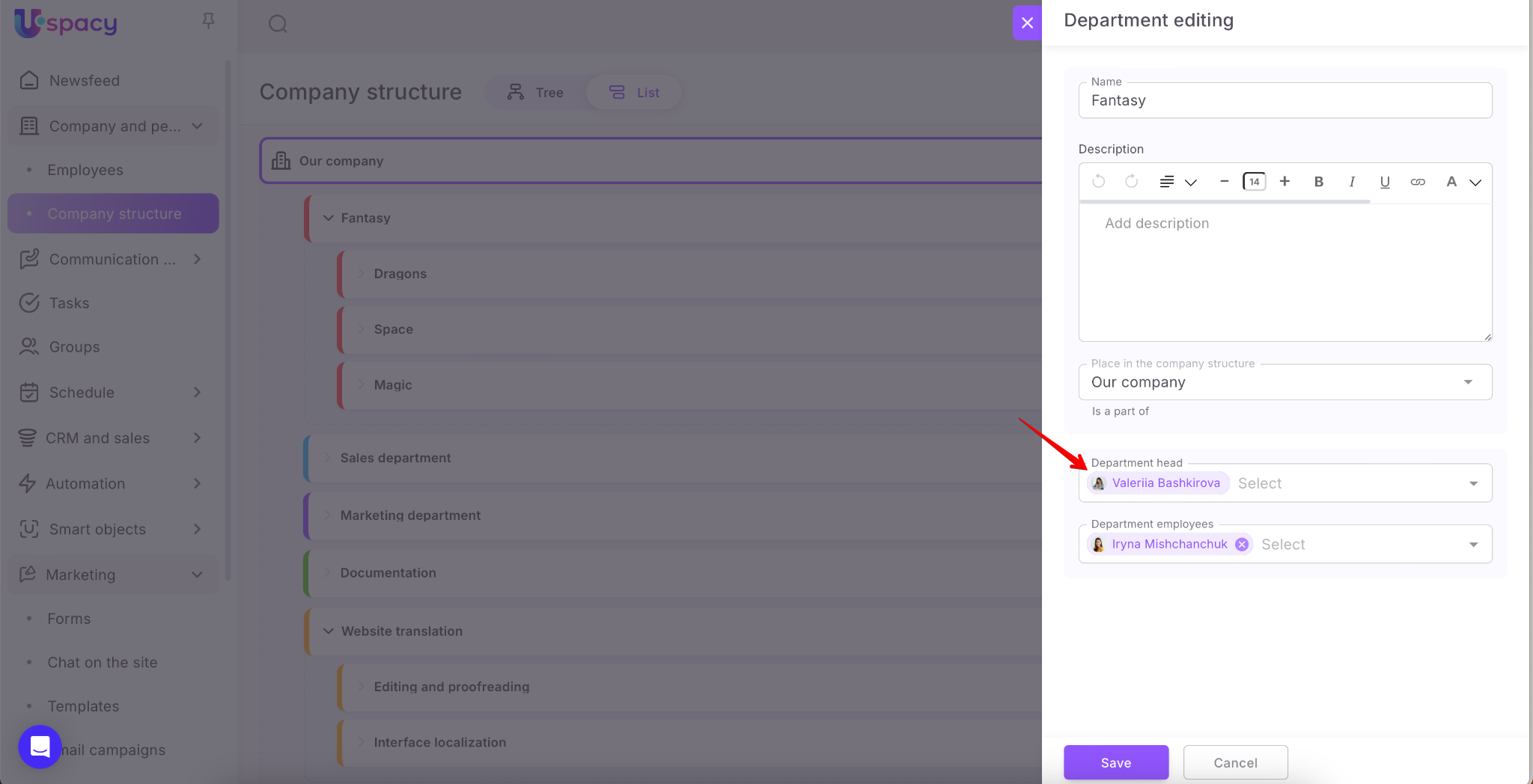
You can change the head of the department. To do this, start typing the first and last name of a colleague in the search bar or simply find it in the list, then click to confirm the selection.
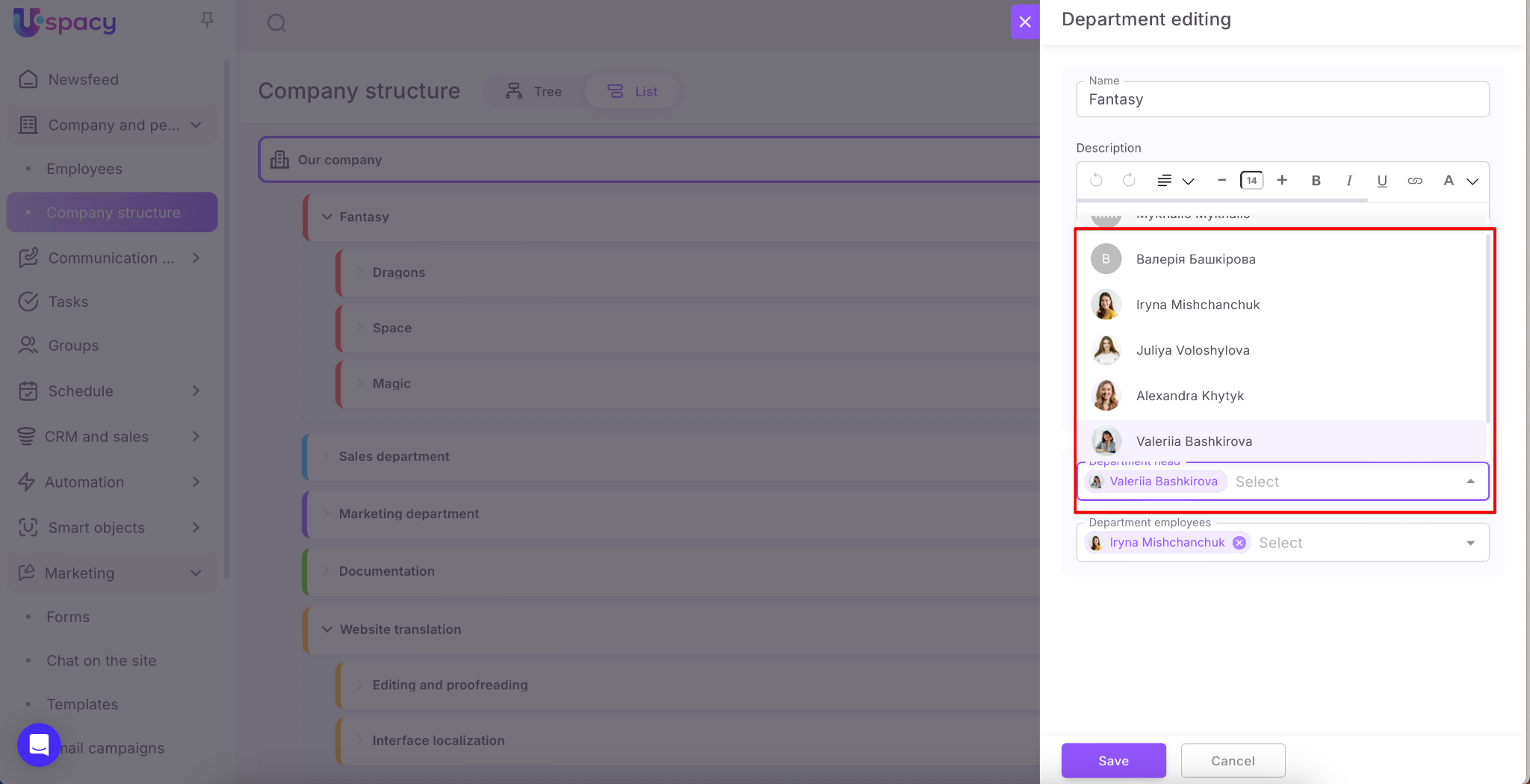
After that, the new head will replace the previous one.
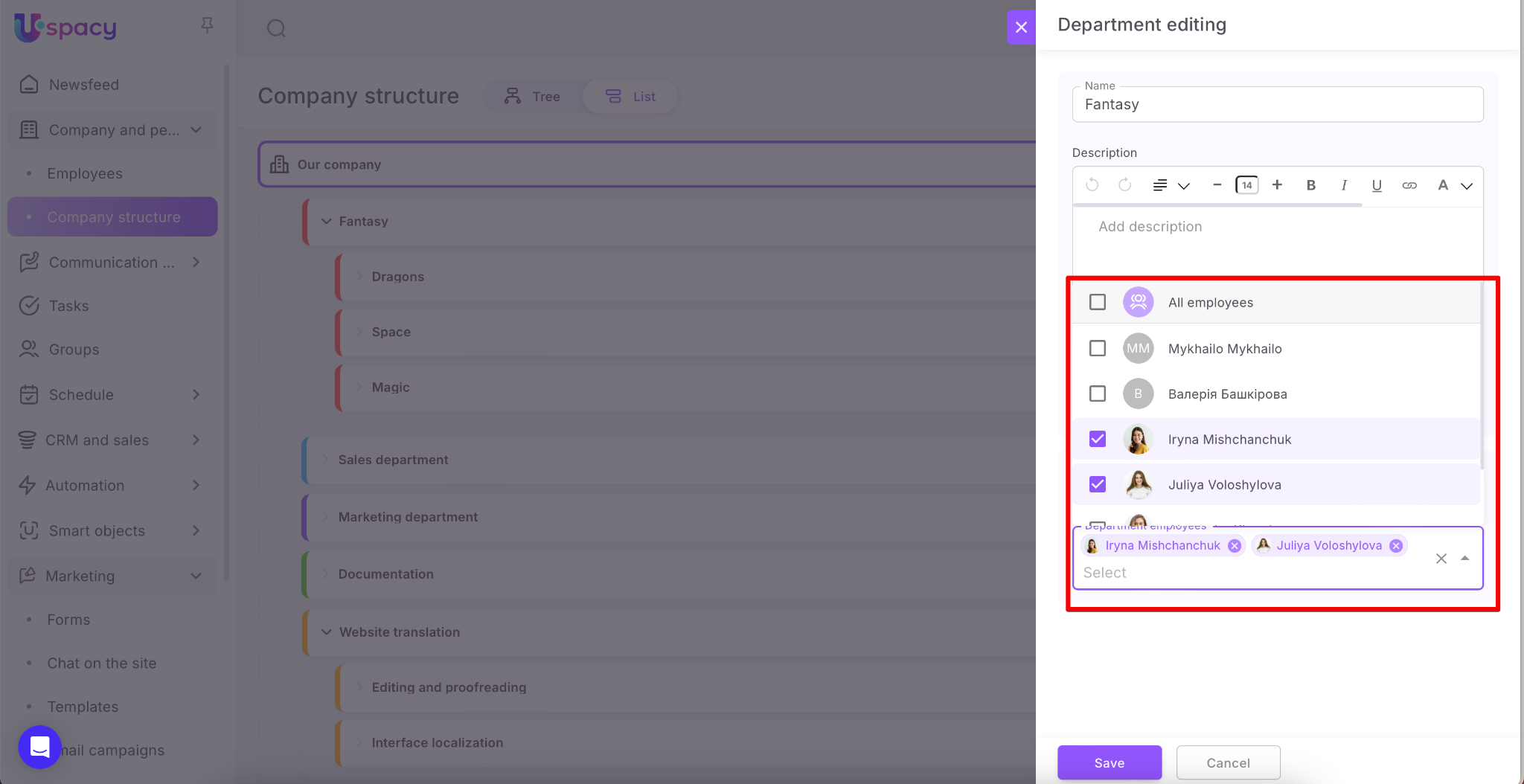
Similarly, you can add a new employee to the department. But unlike assigning a head, users are added, not replacing the current ones.
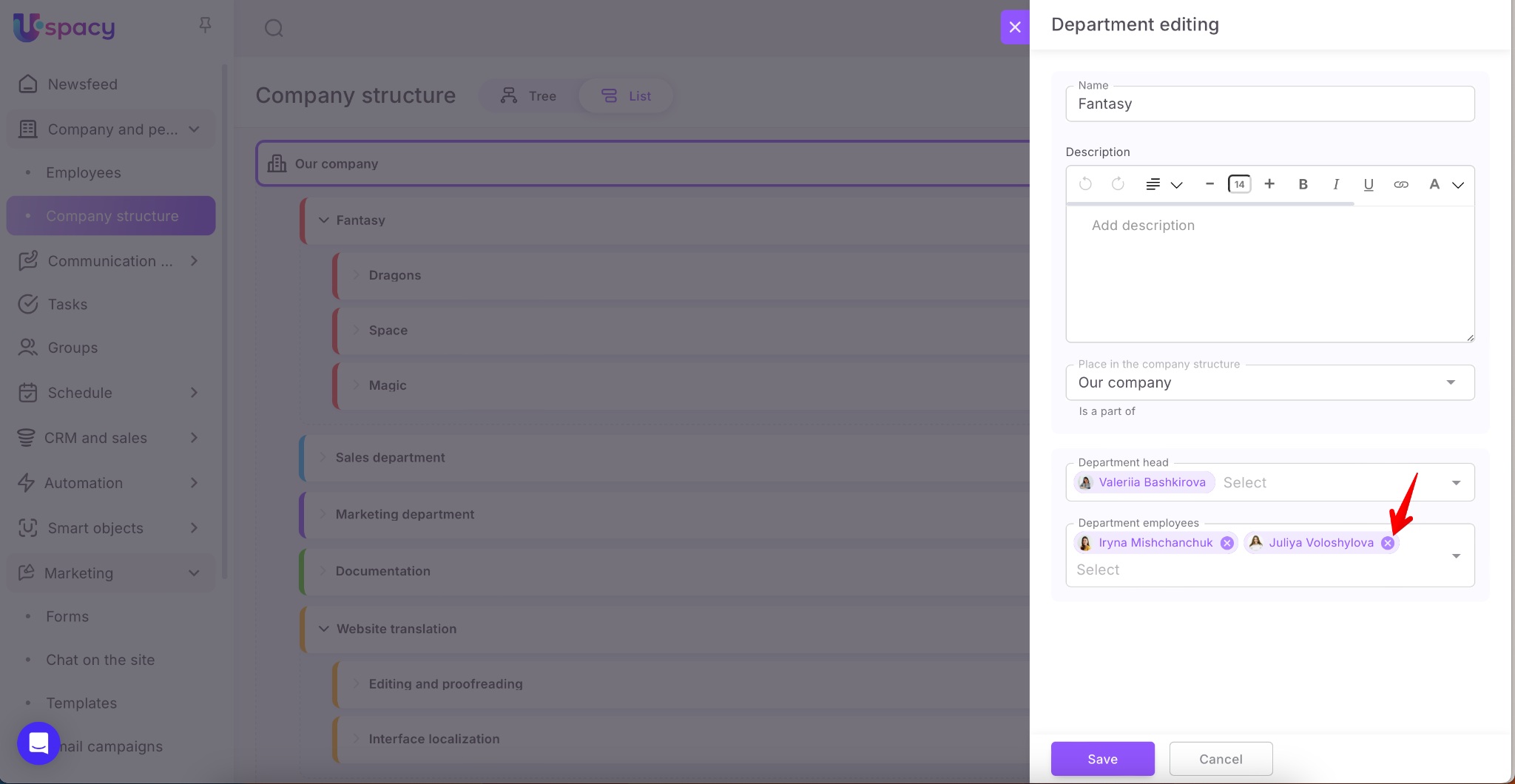
To remove an employee from a structural department, click the cross next to their first and last name.
❗️ If an employee is removed from a department and is not assigned to any other structural department, they will automatically be moved to the main department of the company.
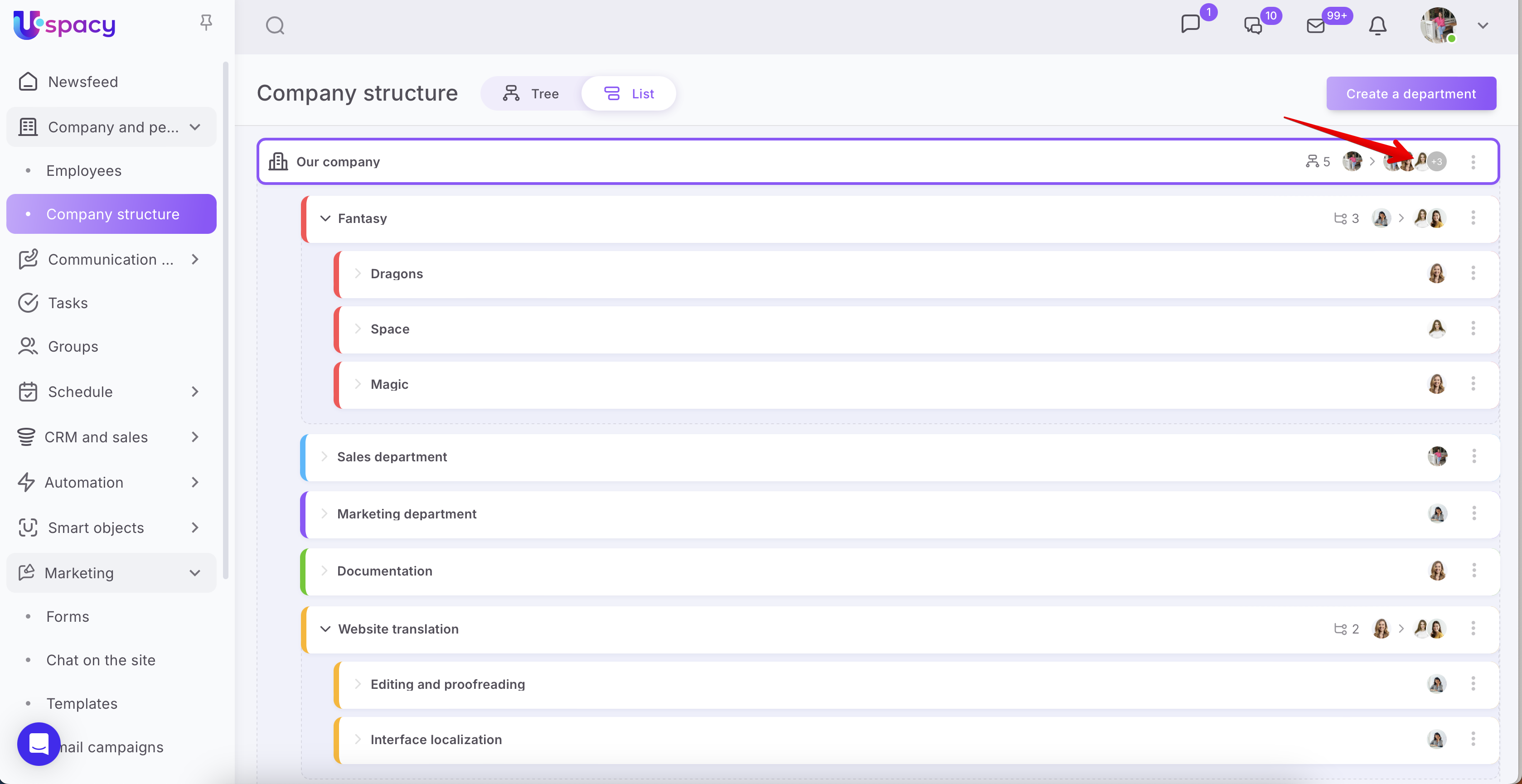
In order, the changes made to the card of the department (subdepartment) take effect, it is necessary to Save them.
If you have additional questions or you need to contact the support, send a request to this email [email protected]
Created: February 22, 2023 / Updated: October 9, 2025