
This time, there are no major headline launches—but we’ve packed in a whole range of improvements. None of them may qualify as a “release of the year” on its own, but together, they make Uspacy noticeably more convenient in all those little ways that shape everyday work. And isn’t that exactly what you want from a product?
🟣 We’ve significantly optimized and accelerated our CRM: cards now load 10× faster, while Kanban boards load 4× faster. So, officially: when it comes to speed, only light is still ahead of us in the universe!
🟣 Field value synchronization for List/Label fields is now available. Simply do your work, and identical values will automatically stay synchronized across different entities. Fewer data inconsistencies, more order in your CRM.

🟣 You can now manage the active status of values in List/Label fields. If a value is no longer needed, simply deactivate it. It will remain available in existing records but won’t get in the way when creating new ones.

🟣 Why create the same field twice when you can simply copy it? You can now copy a field from another entity, with all its settings and values transferred along with it. Faster, easier, and no more worrying that you forgot something.

🟣 Entity cloning now includes products and details. A cloned entity is now a true copy of the original: products and details are transferred along with it. Clone a deal or invoice, and there’s no need to rebuild everything from scratch.
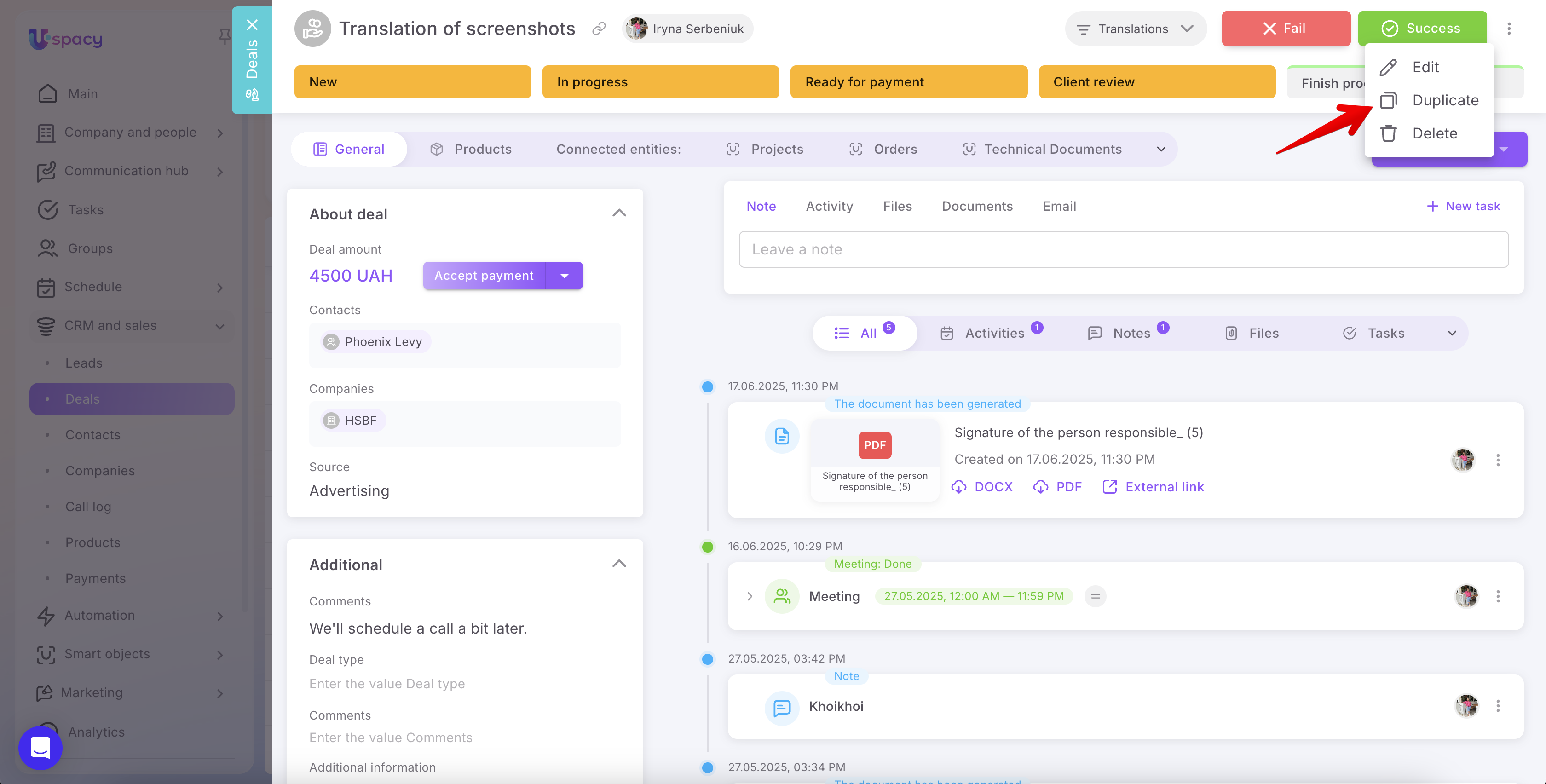
🟣 A visual indicator for applied filters—a small dot that answers a big question: “What exactly is being filtered here?” You can immediately see which filters are active, whether they are Simple or Advanced.
🟣 Advanced filters sometimes need a little more room. That’s why we added the ability to resize the filter panel. Expand or narrow it as needed.
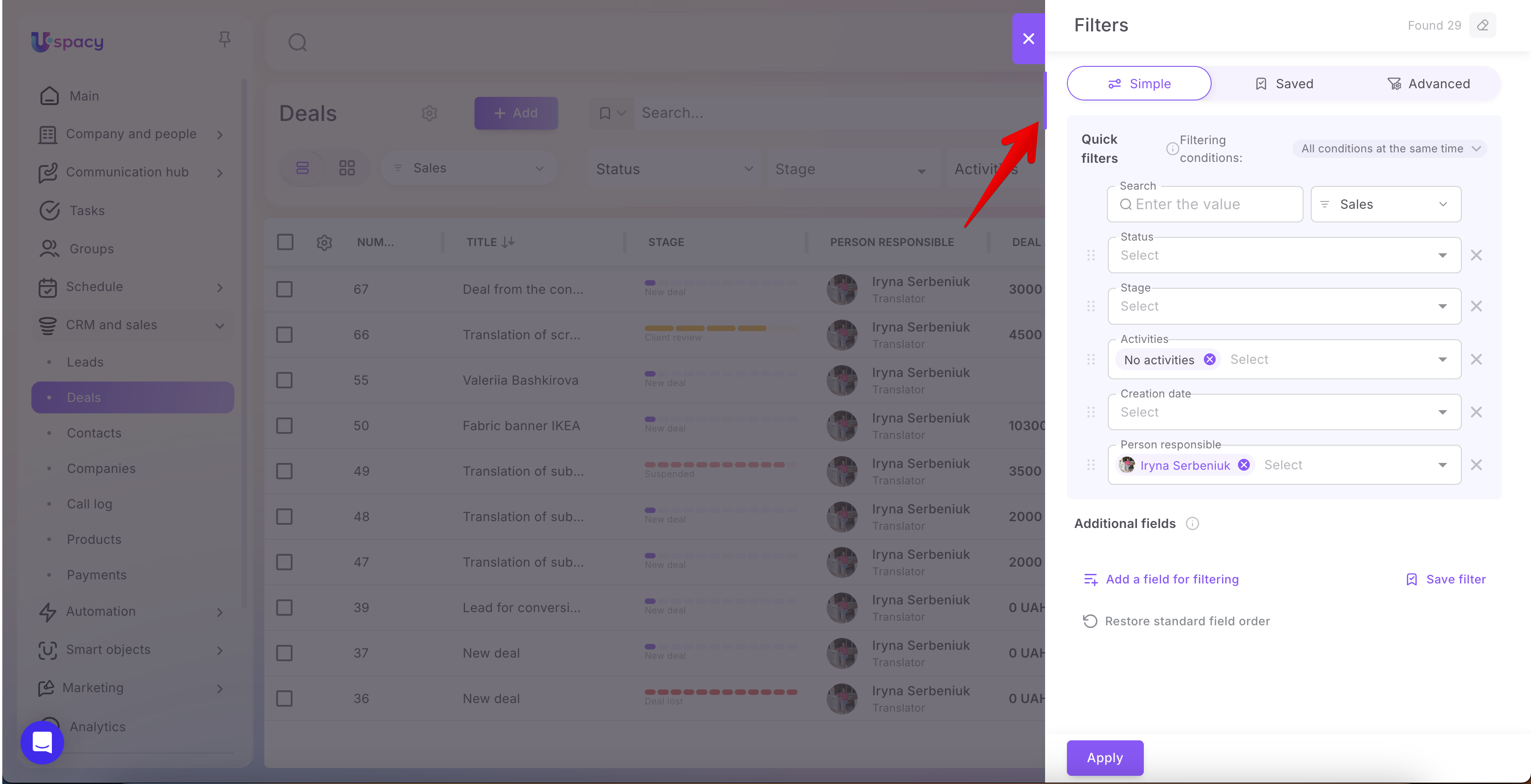
🟣 Smart filters in Processes now offer the same flexible filtering experience as CRM. More conditions, more precise entity selection, and significantly more flexibility for complex automation scenarios.

🔍 Learn more in the article, “Processes in Uspacy and how they work.”
🟣 A new “Cloning entity” automation action now allows automations to create copies on their own. Processes and Conditional Actions can automatically create copies of deals, orders, and anything else that needs to be duplicated.

🔍 Learn more in the article, “Processes in Uspacy and how they work.”
🟣 We’ve added clearer explanations for why an automation was disabled. If something stops working, Uspacy will now tell you why. Less detective work, more transparency.
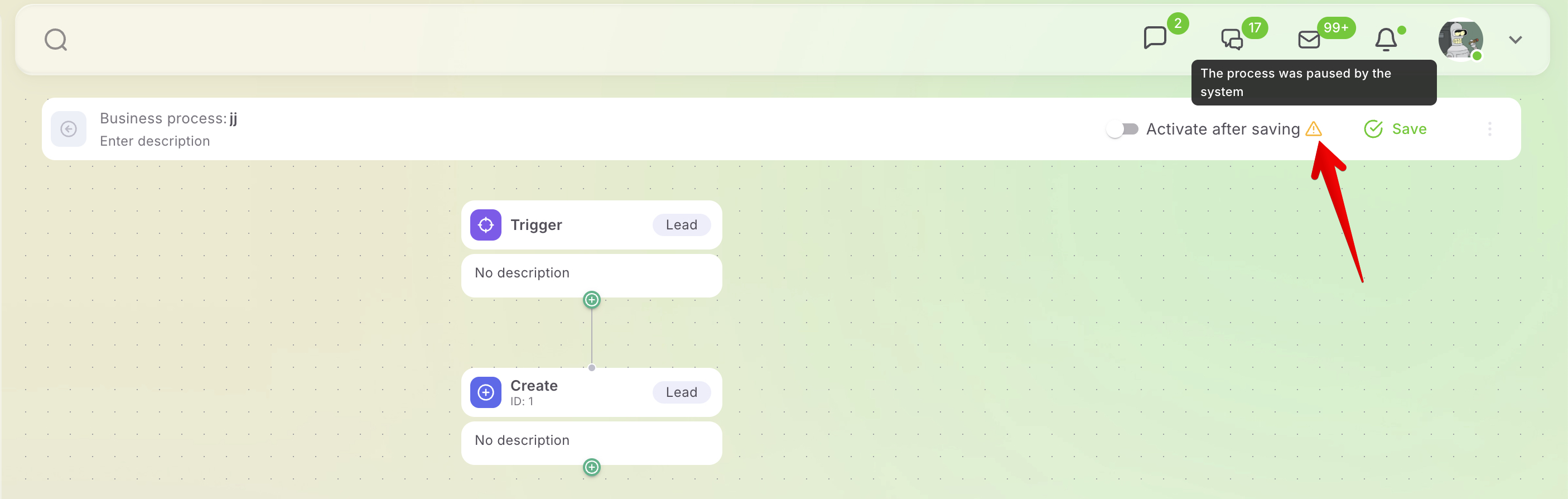
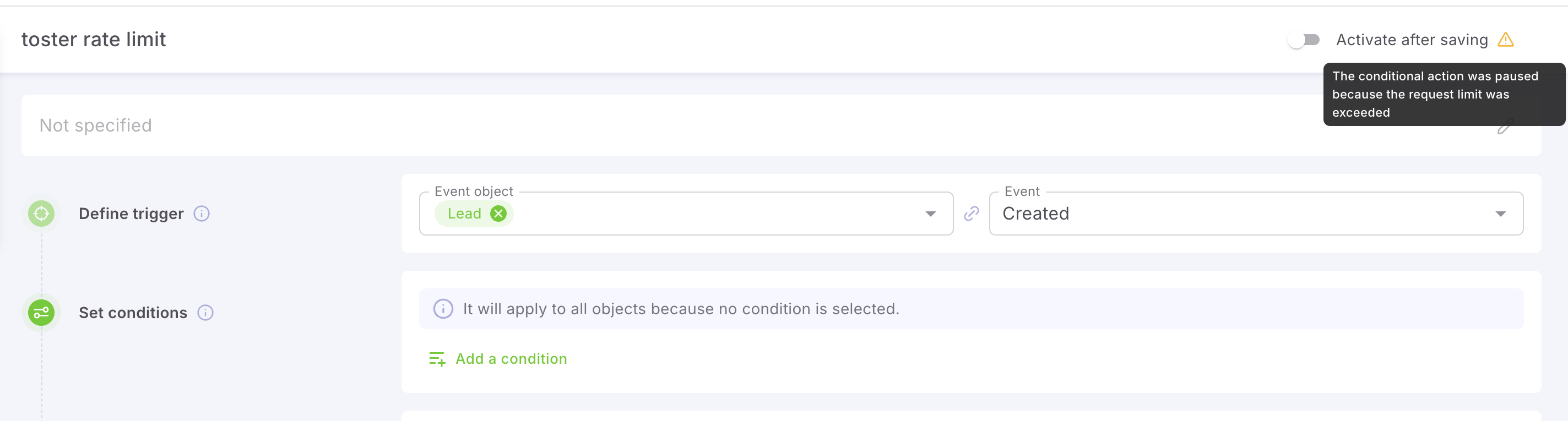
For more details, see the articles:
🟣 Change history now clearly identifies who or what made a change. The author indicator shows whether the change was made by a person, a Conditional Action, or a Process. No more mysteries—every change has an identified source.
🟣 New dynamic date filters in Analytics—such as “this month,” “last week,” and other relative periods—now update automatically. Time moves on, and your reports move with it.
🟣 You can now copy values from dashboard reports. For Table-type reports, simply copy the number you need with a single click. Because even a few extra clicks can become tedious.
🟣 You can now exclude date and user filters from the dashboard’s global filter. This allows individual reports to follow their own rules. Different periods and data views can now coexist on the same dashboard without conflicts.
🟣 We also fixed a number of minor Analytics issues, making working with reports even more stable.

🔍 Learn more about working with this tool in the Analytics section of our Knowledge Base.
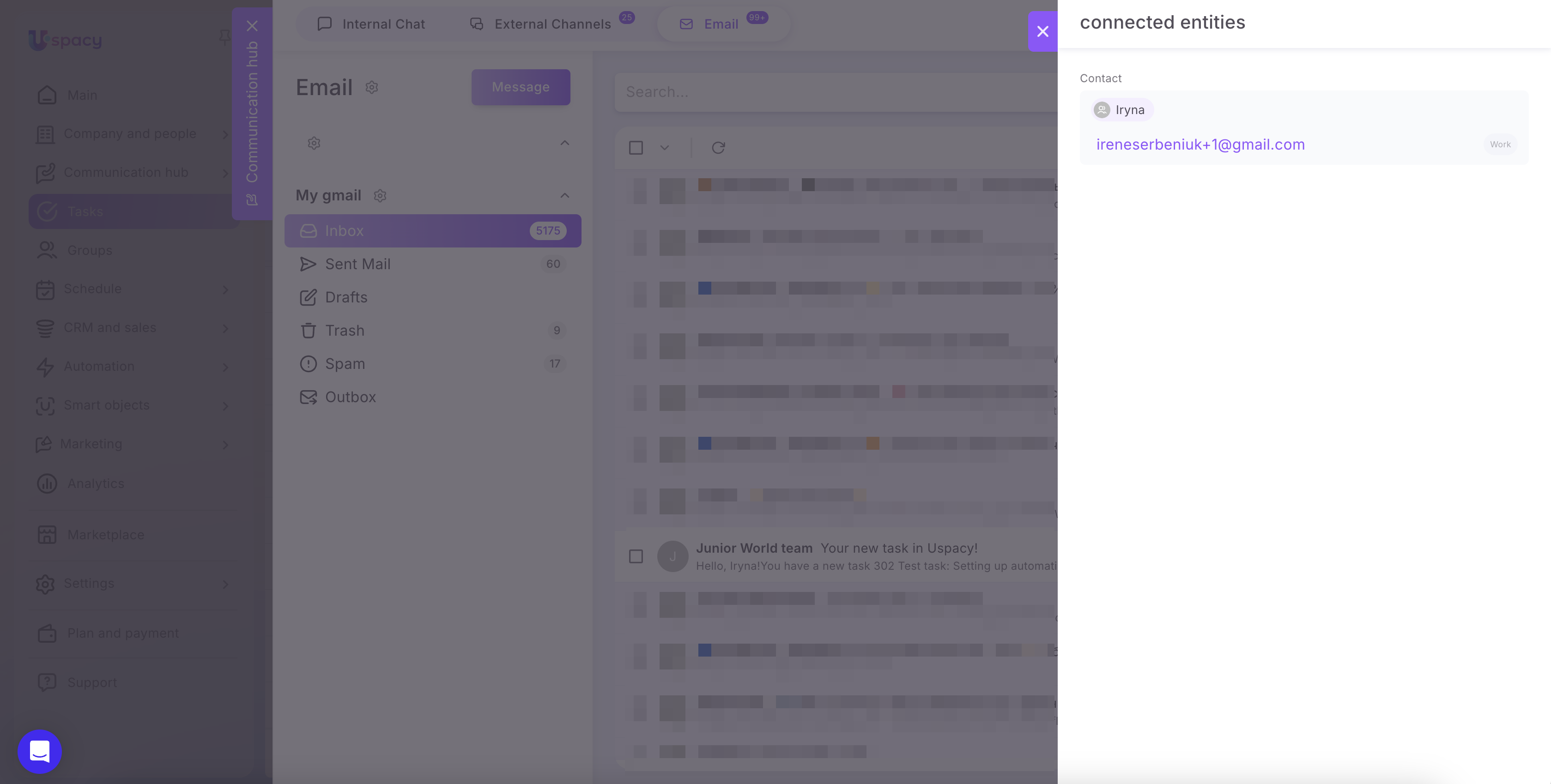
🟣 We’ve updated how CRM connections are displayed in emails. CRM connections in email now have the same visual style as those in External Channels. Less visual inconsistency, more logic across every communication.
🔍 Learn more about this feature in the article, “Email & CRM connections.”
🟣 CRM connections are now displayed in the email list. You can see the relevant CRM connection before even opening an email. Fewer clicks, faster communication.
🔍 Learn more in the article, “Work with emails in mailboxes.”
🟣 CRM connections can now be enabled automatically for a mailbox. If you send an email from a client’s record, Uspacy will automatically take care of the CRM connection. A complete communication history, without the extra steps.
🔍 Learn more about this feature in the article, “Email & CRM connections.”
🟣 You can now disable required fields on the free plan. This gives nonprofit and other free users a little more flexibility. Because free shouldn’t mean inconvenient.
🔍 Learn more about required fields in the article, “Required fields in CRM.”
🟣 Create Tasks and Leads by voice in the mobile app. It may sound like magic, but it’s already here. Just speak, and Uspacy will create the necessary entities in your CRM. Pretty futuristic, right?
📲 You can try it by downloading the Uspacy mobile app from our website.
🟣 Integration with Pabbly Connect is another bridge between Uspacy and thousands of other services. Connect apps, transfer data, automate workflows—and do it all without writing a single line of code.

All August updates are already available. Enjoy the new features, build smarter company processes, and stay focused on what matters most!
If you have additional questions or you need to contact the support, send a request to this email [email protected]
Created: September 1, 2026 / Updated: September 2, 2026