Important: According to the latest updates, Activities in Uspacy have been moved to a separate section called Schedule. Advanced filters are now available for this section as well.
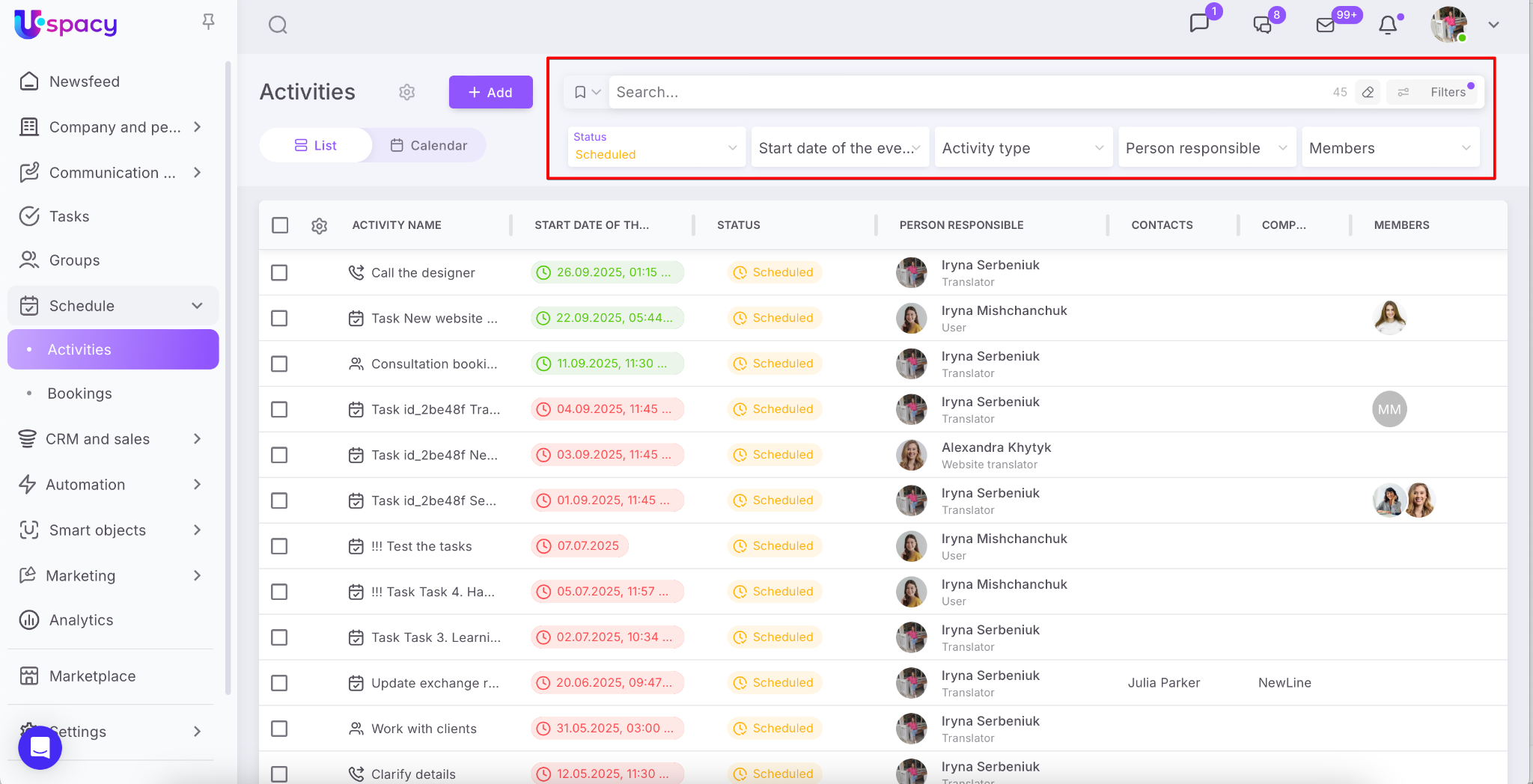
In Uspacy, activities are a supporting entity for CRM, Smart objects and Tasks. It helps to plan all work activities.
How to add an activity?
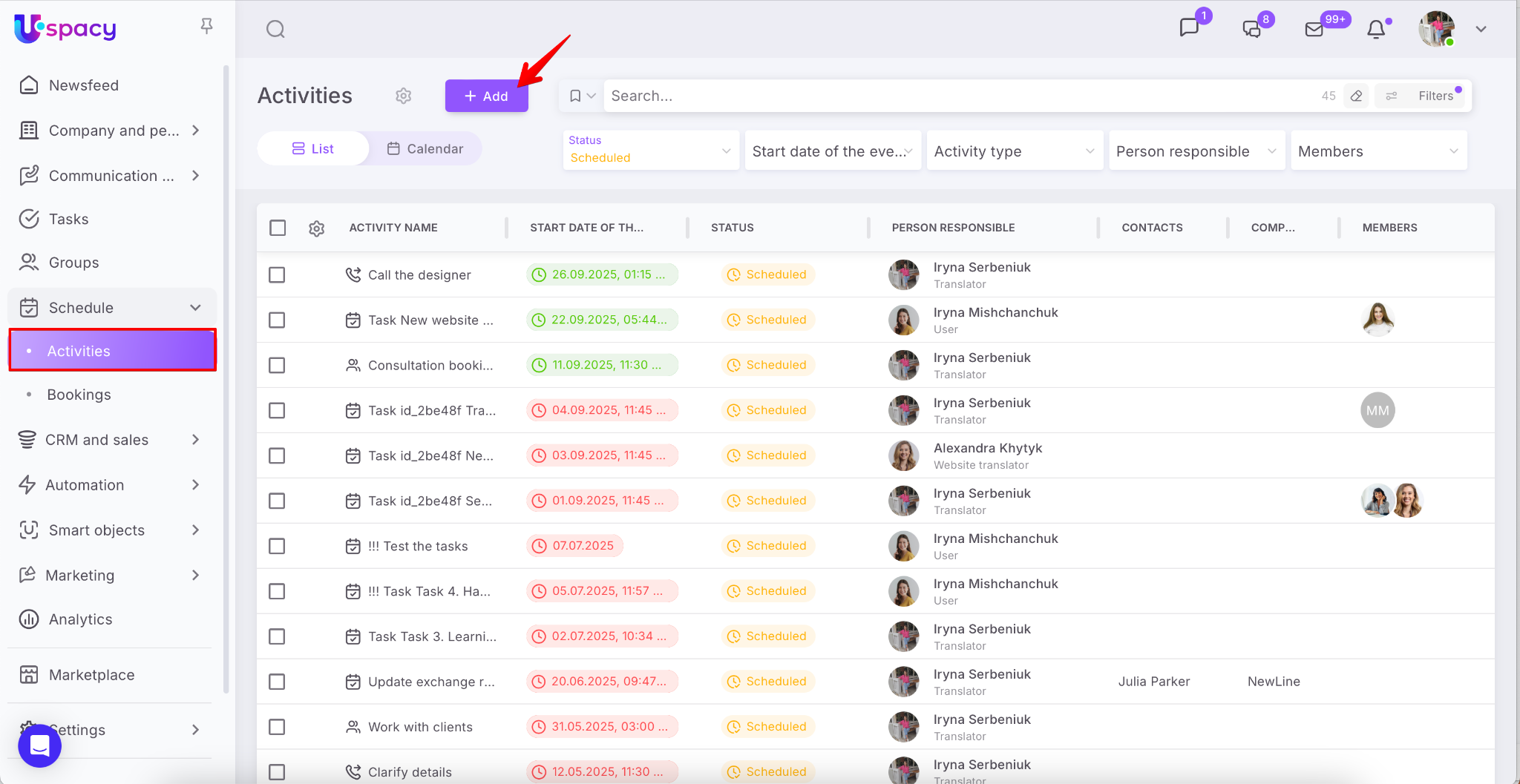
Click the + Add button on the Activities page.
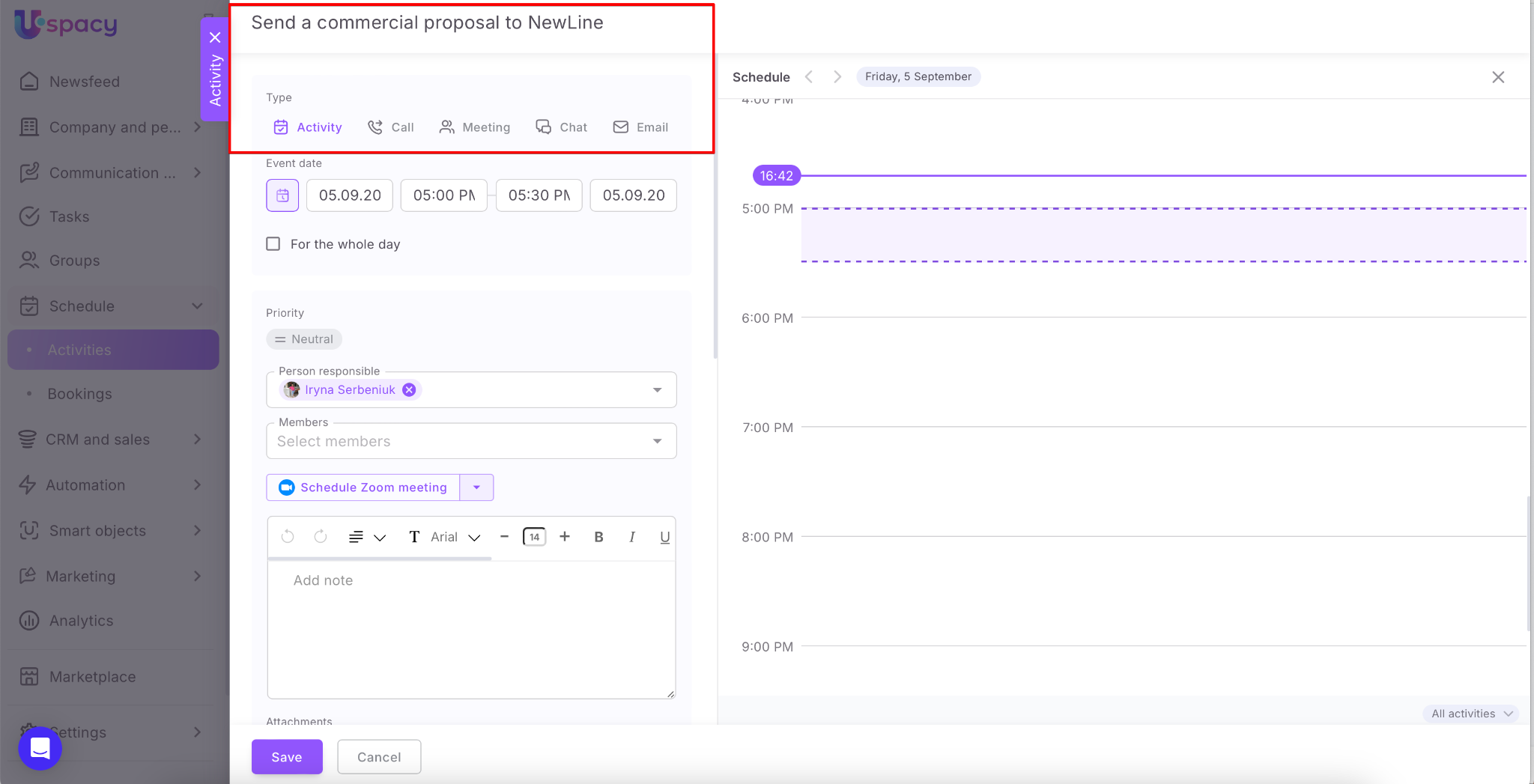
First of all, select the type of activity and specify its name.
💡Uspacy has 5 types of activities:
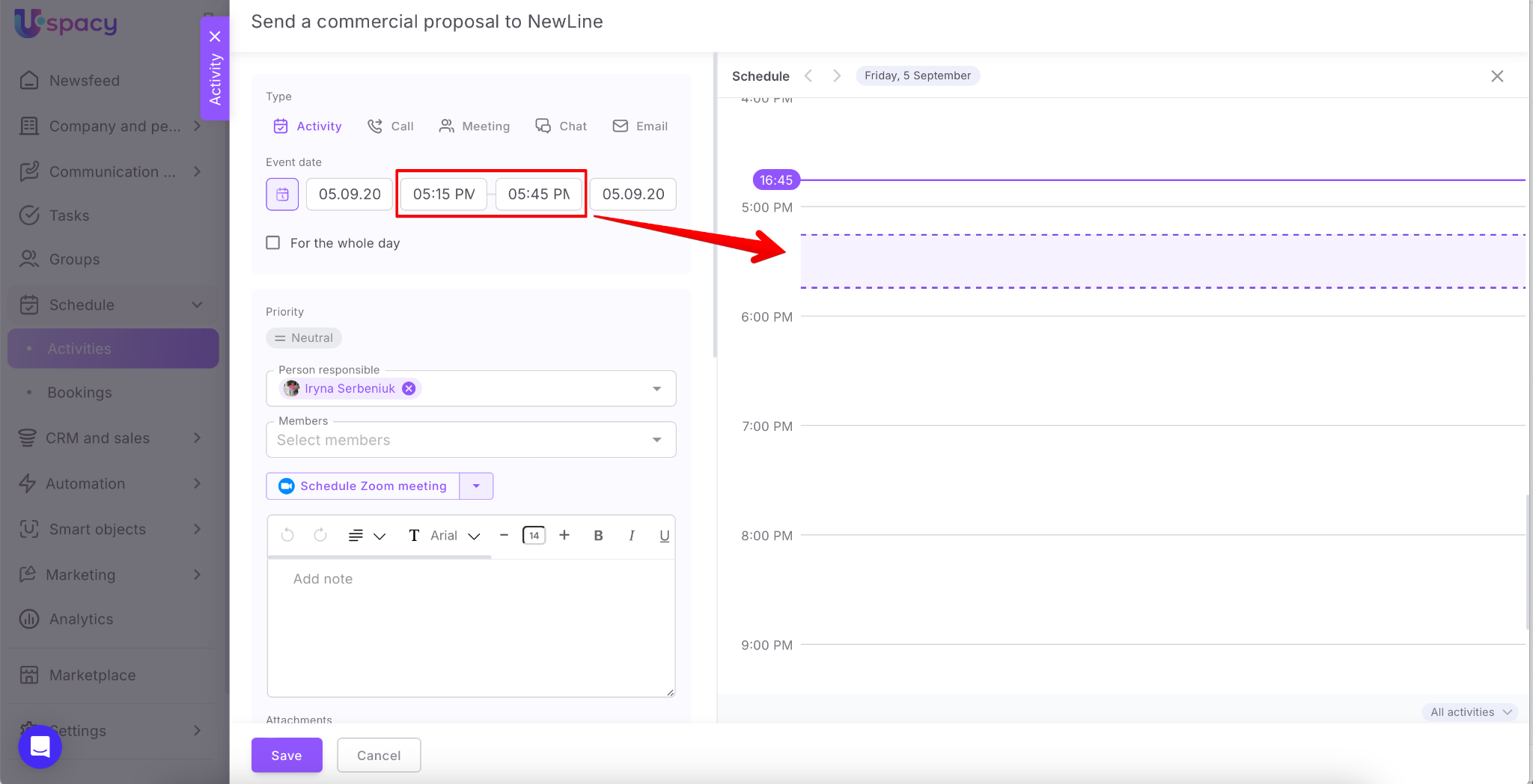
Next, specify the time period needed to complete this activity.
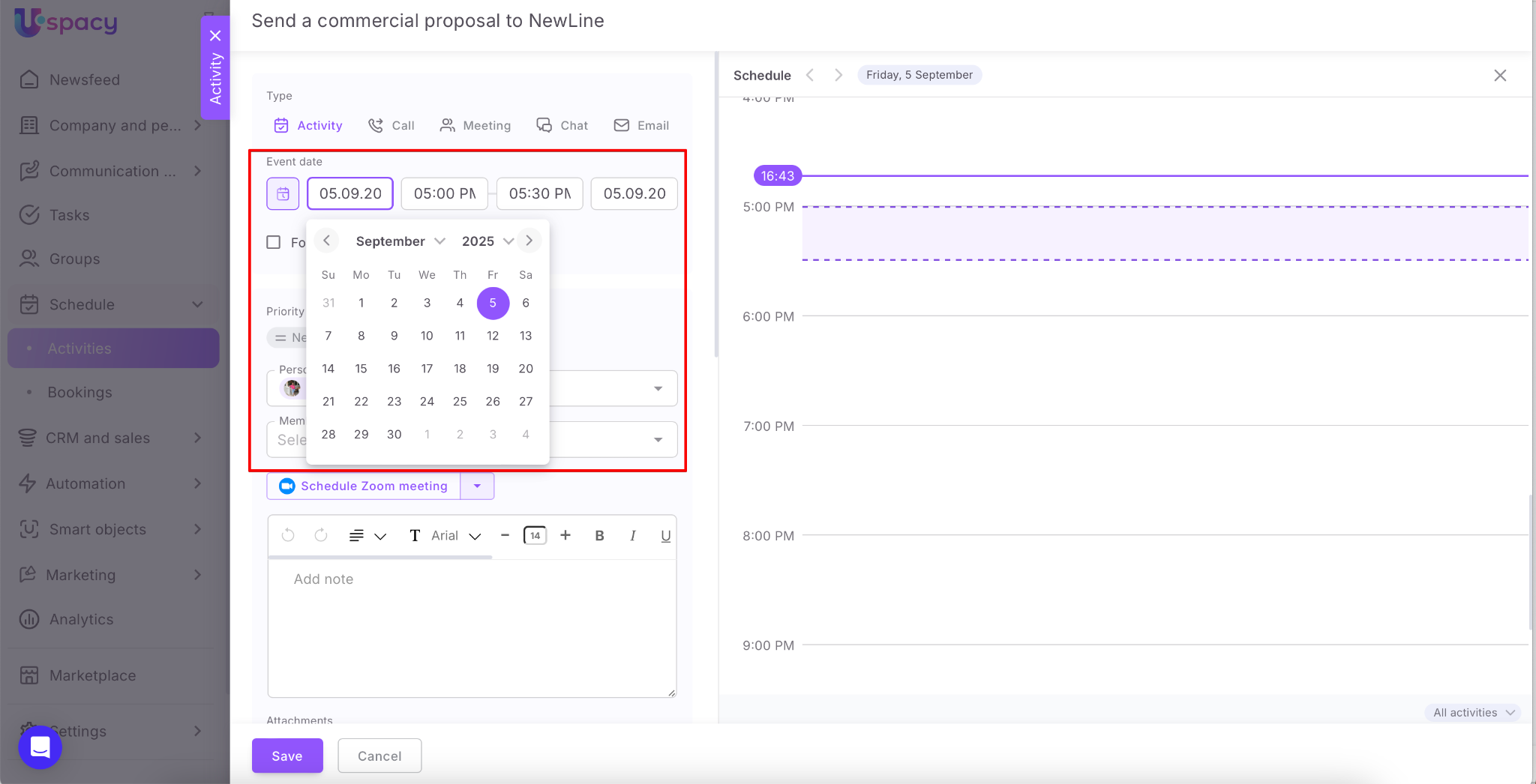
With the Schedule tab, you can easily manage our availability and see when and how much free time you have. This way helps not to schedule activities for the same time.
🔍 You can read more about the schedule of availability in the following article.
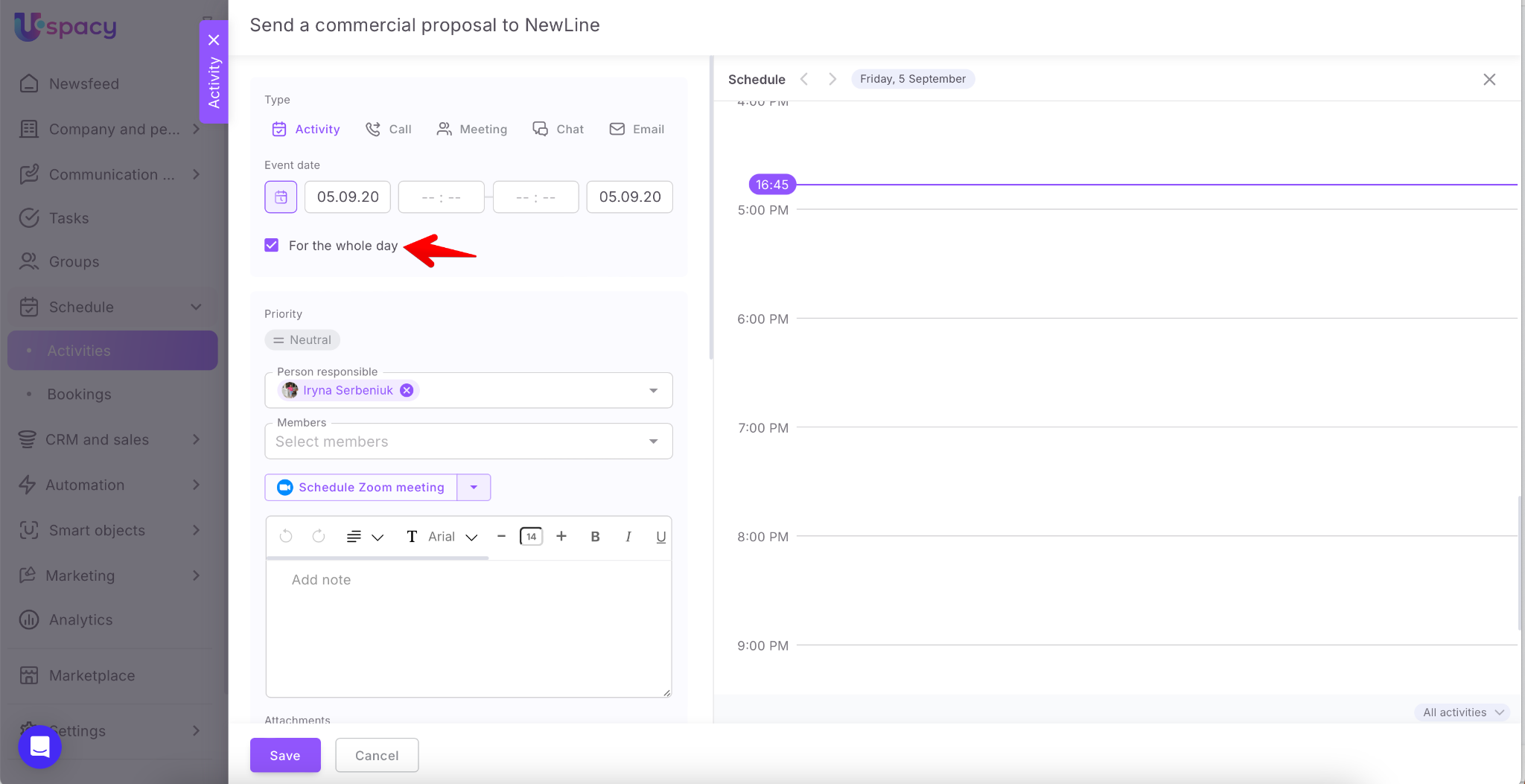
💡 If it’s hard to define a specific time for an activity that requires long-term engagement, you can select the "For the whole day" option instead of specifying hours.
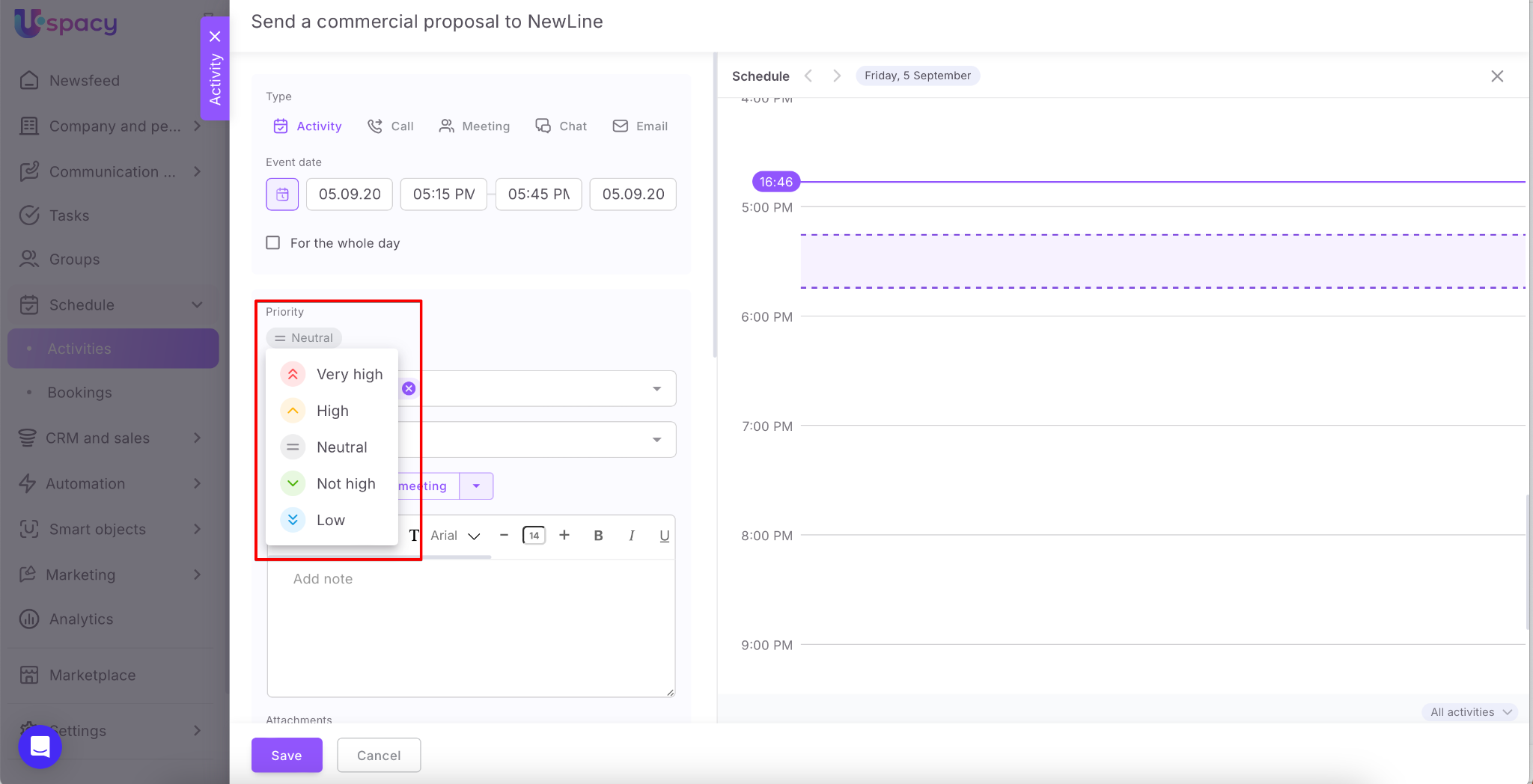
You can set a priority as well. This will help the person responsible determine the importance of activities that need to be completed.
Then specify the person responsible.
The user who creates the activity will be automatically assigned as the person responsible. Their activities will be displayed in the Schedule tab at once.
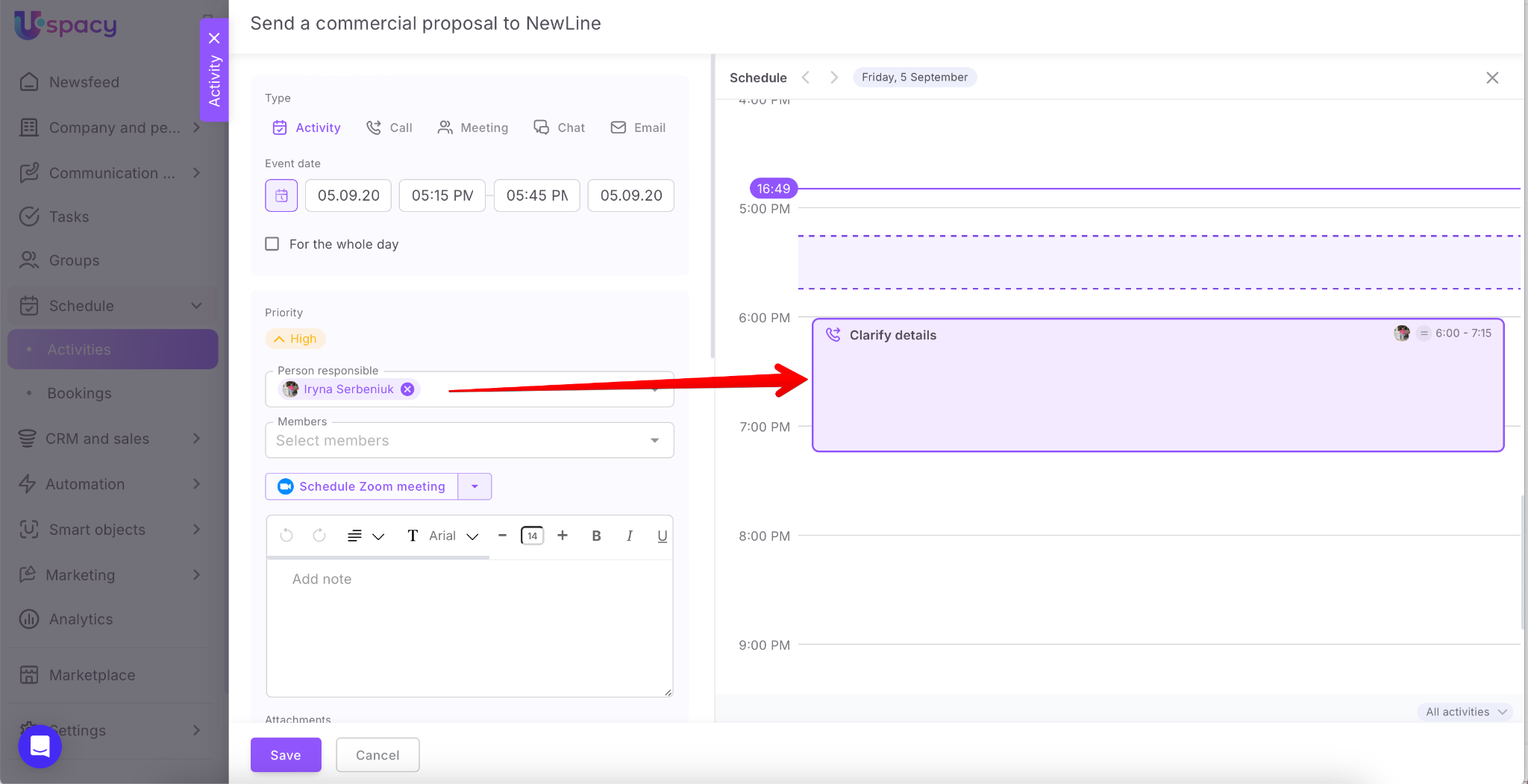
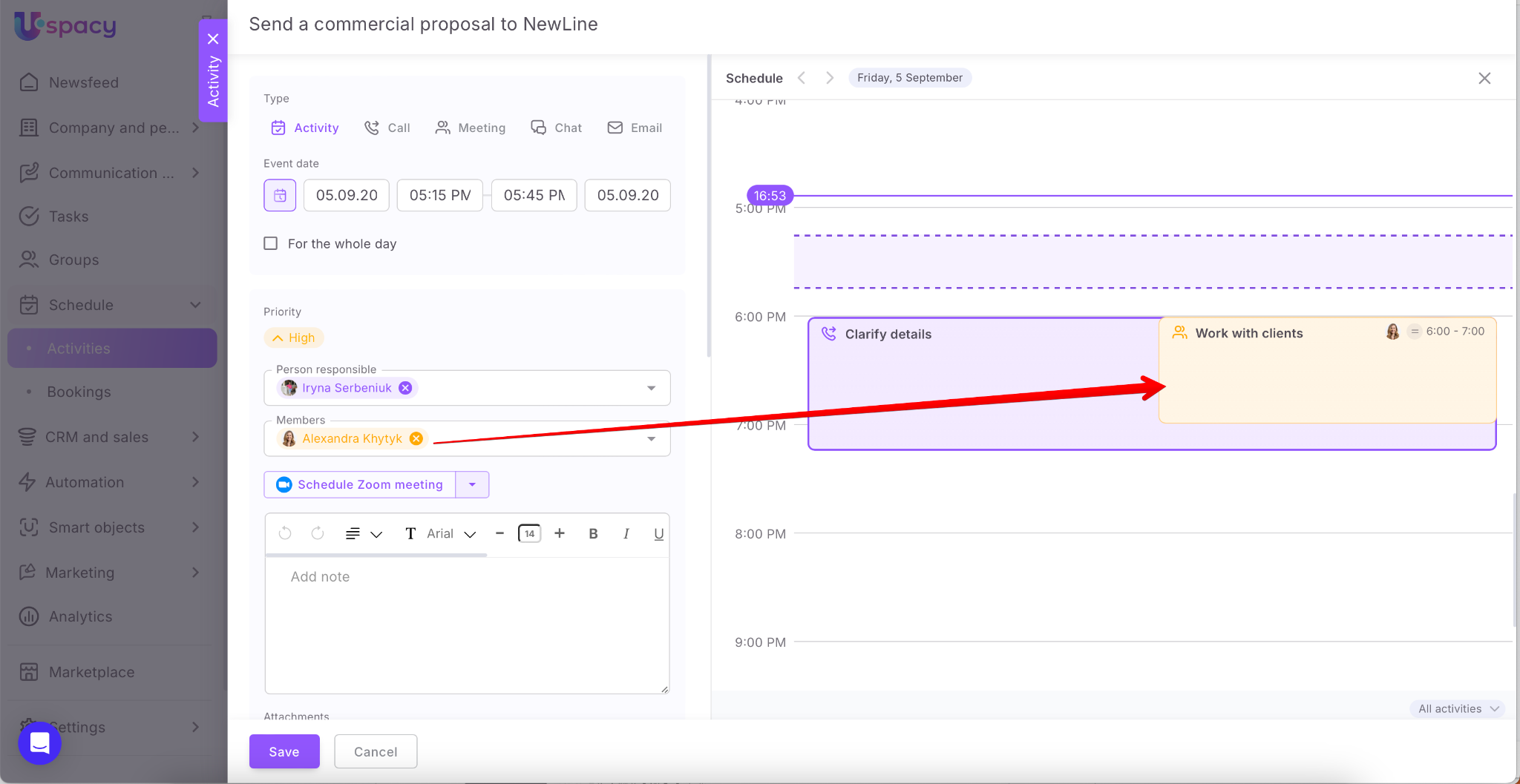
If necessary, specify the members. Just select a colleague from the list.
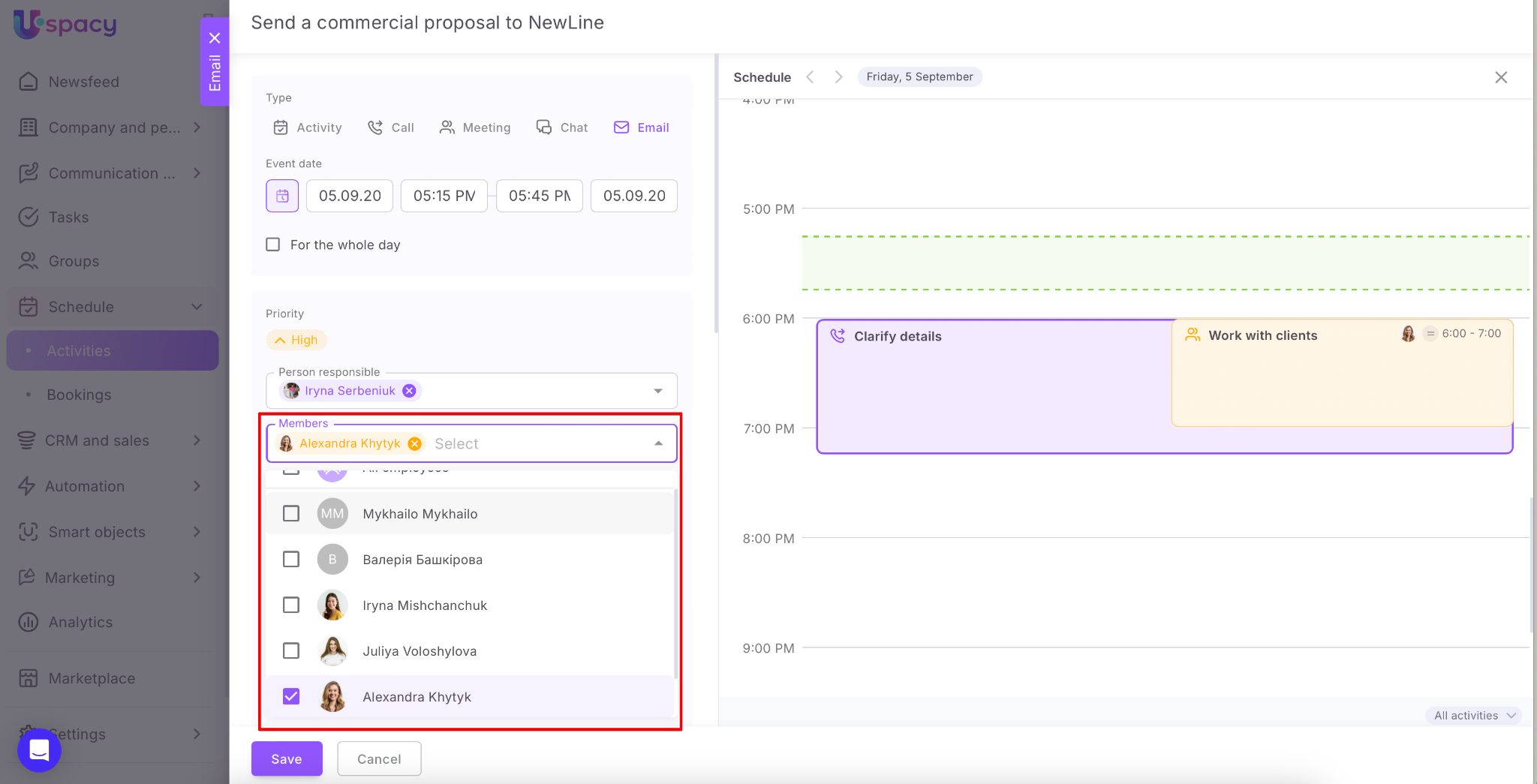
❗️Their scheduled activities will be displayed in the Schedule tab as well.
If you are using a commercial pricing plan, you can create a link to a video meeting in Google Meet or Zoom directly while scheduling an activity.
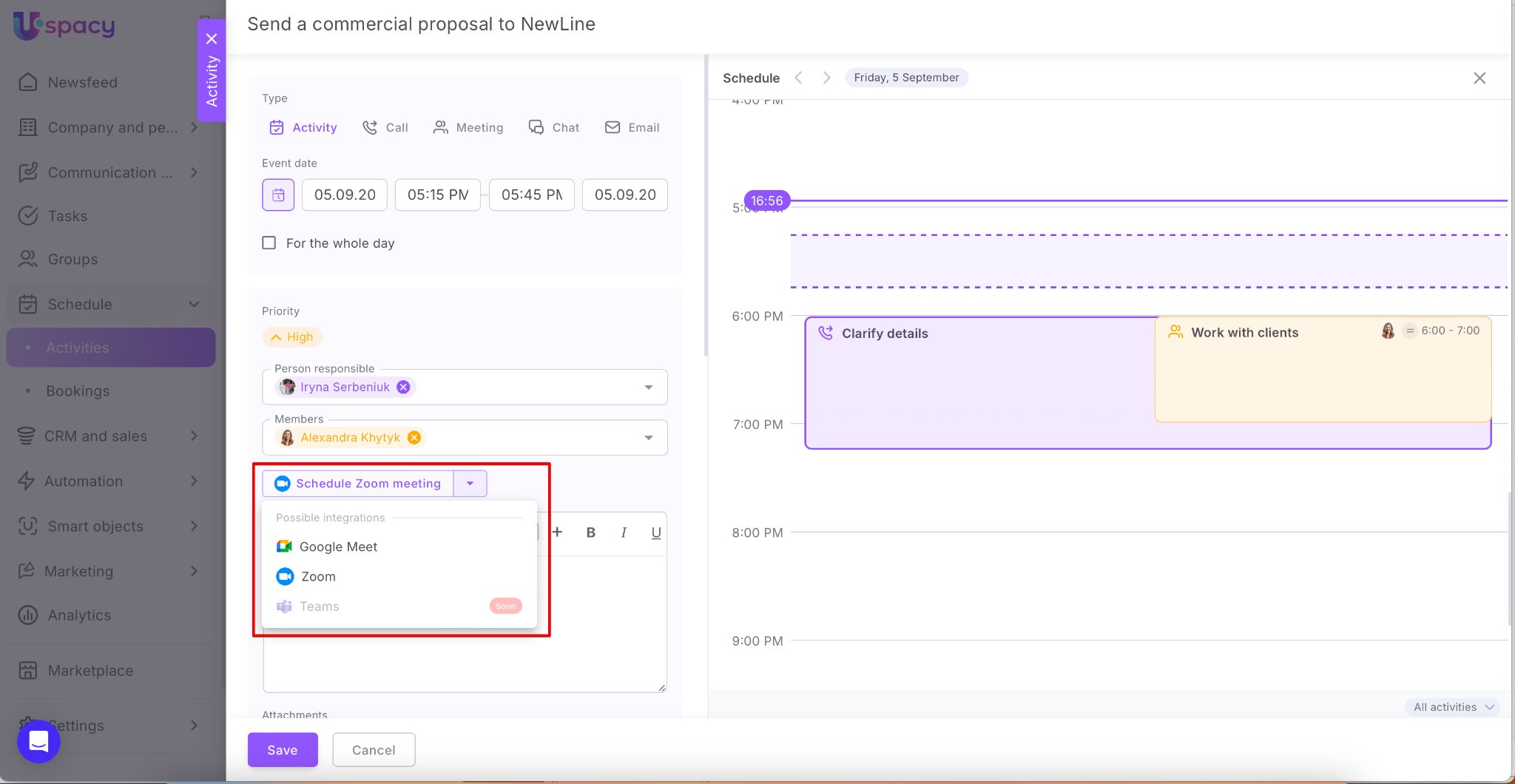
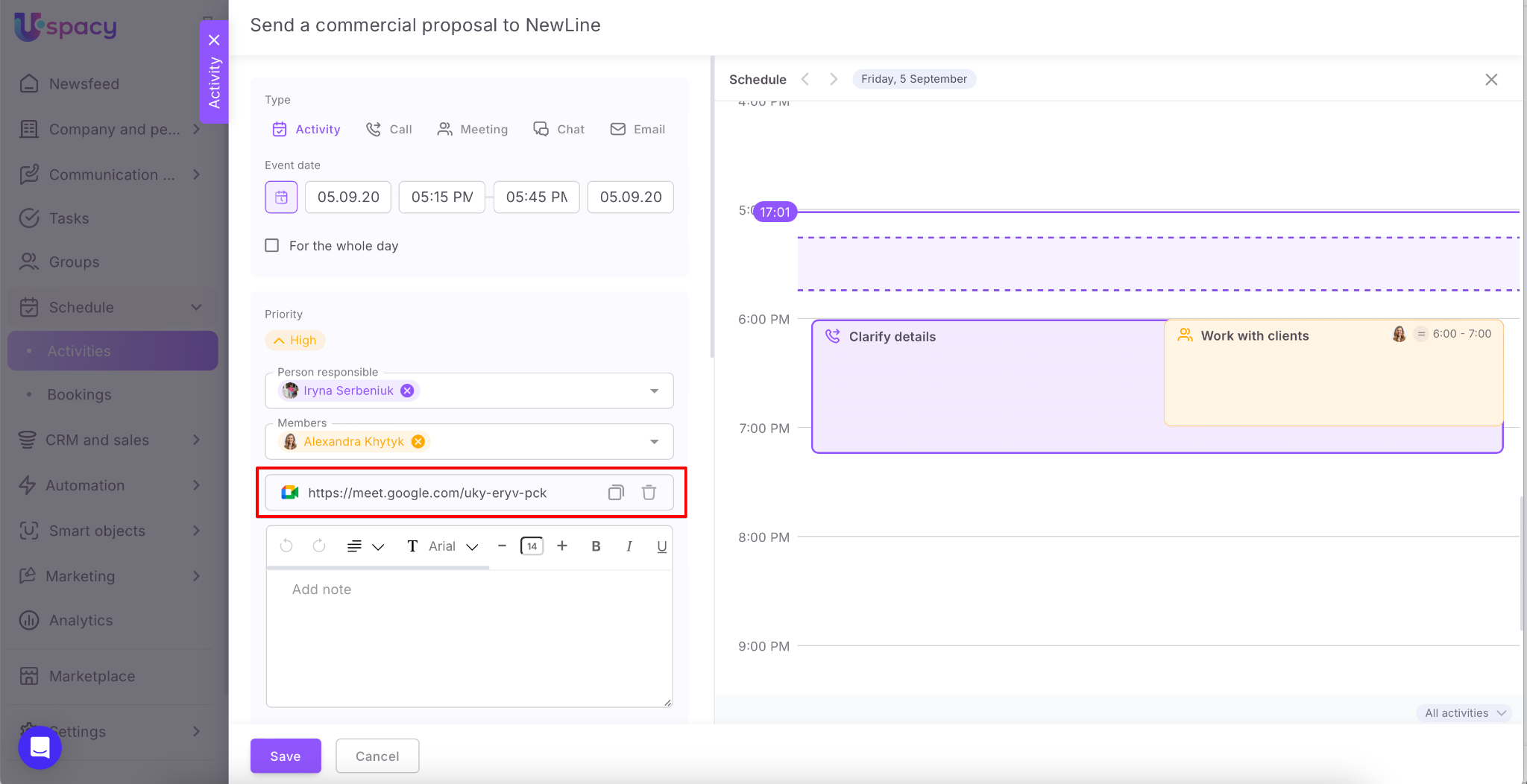
🔍 You can read more about organizing video meetings in this article.
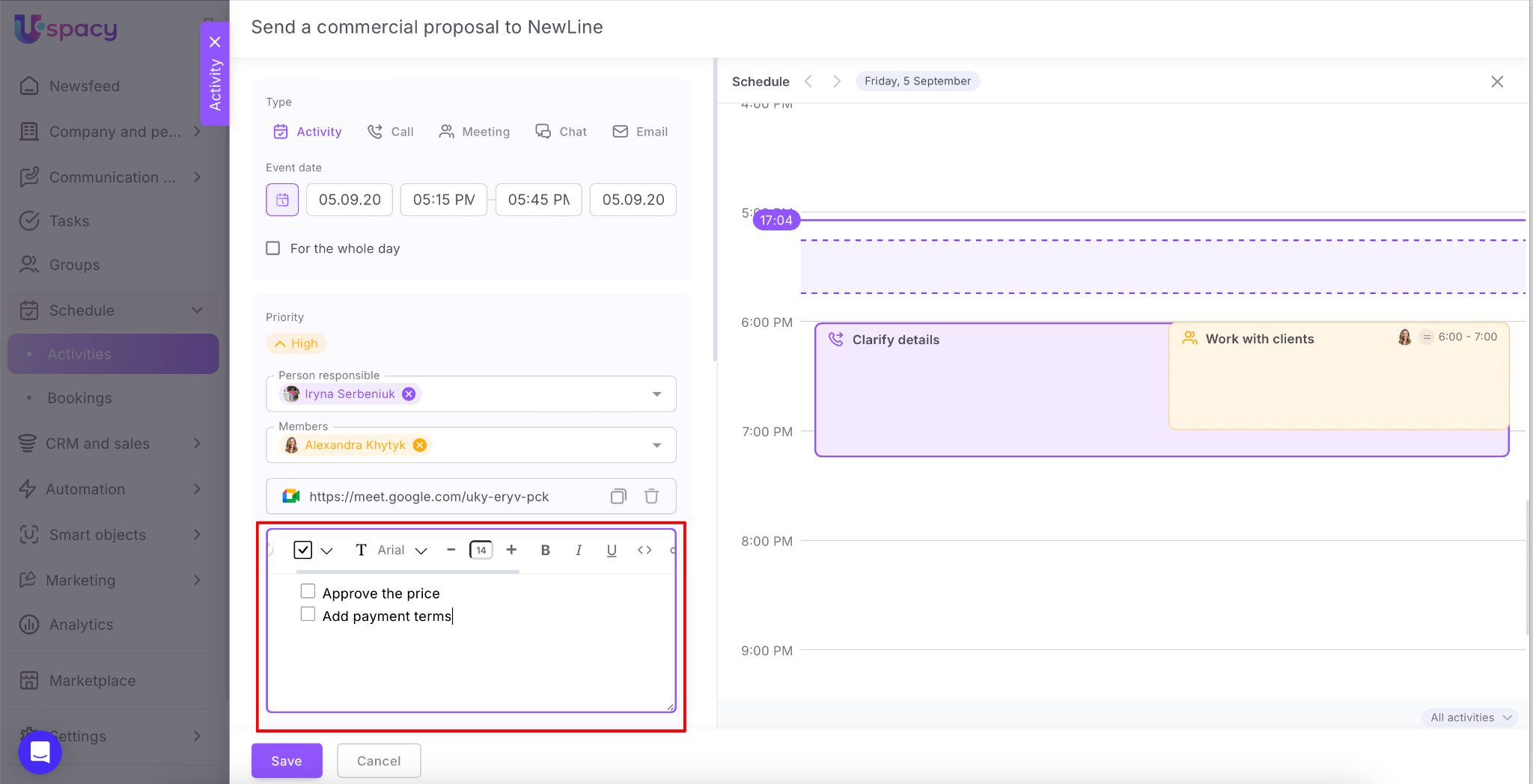
It is possible to leave a note if needed. The text in this field is formatted using the built-in editor.
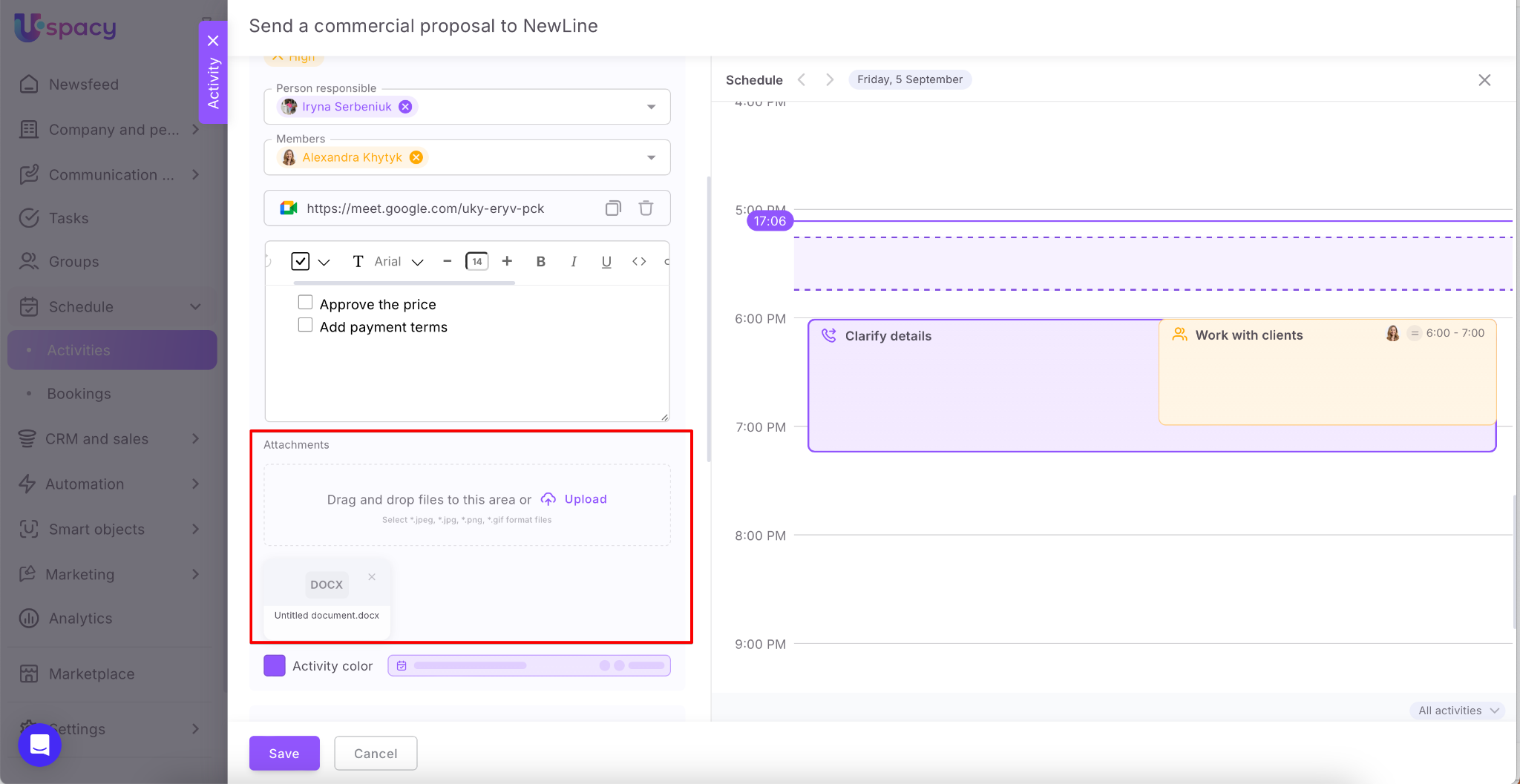
You can also attach files — images or documents needed for the activity.
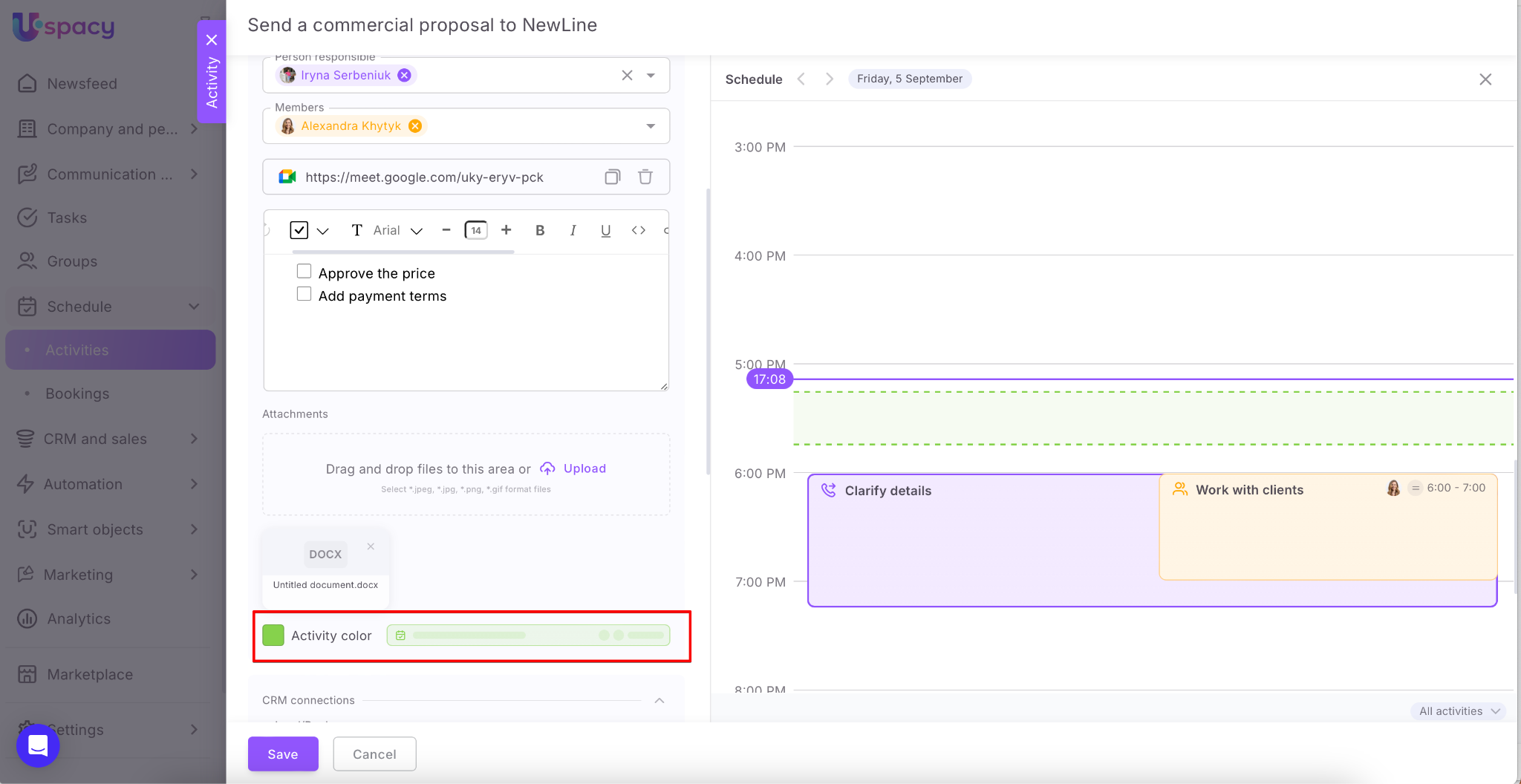
The calendar now includes the option to select an activity color when creating it.
🌟 This feature is available on the Professional plan. You can learn more about the features and functionality of each plan on the pricing page.
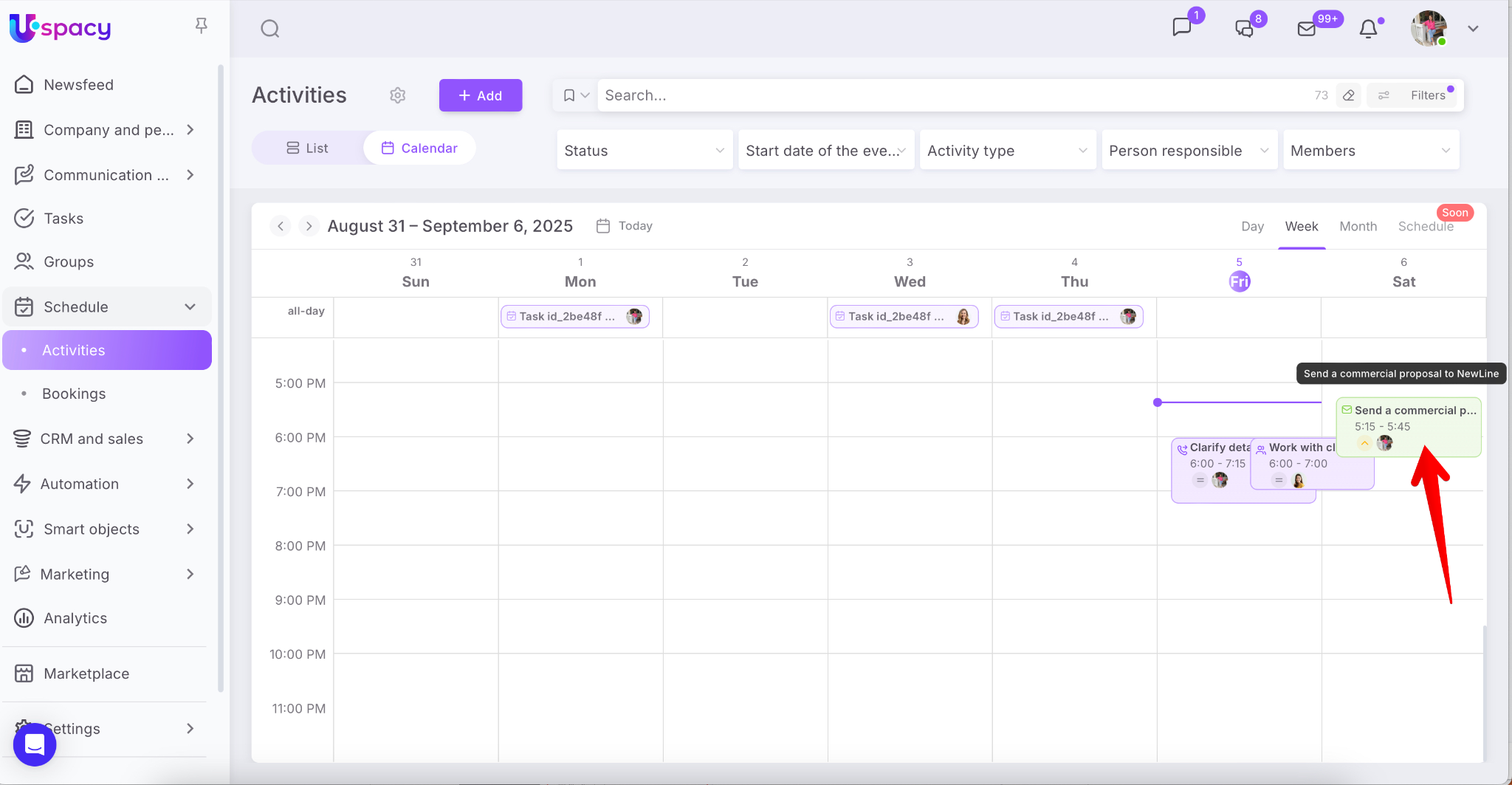
After creation, when viewed in calendar mode, the activity will appear in the color you assigned to it.
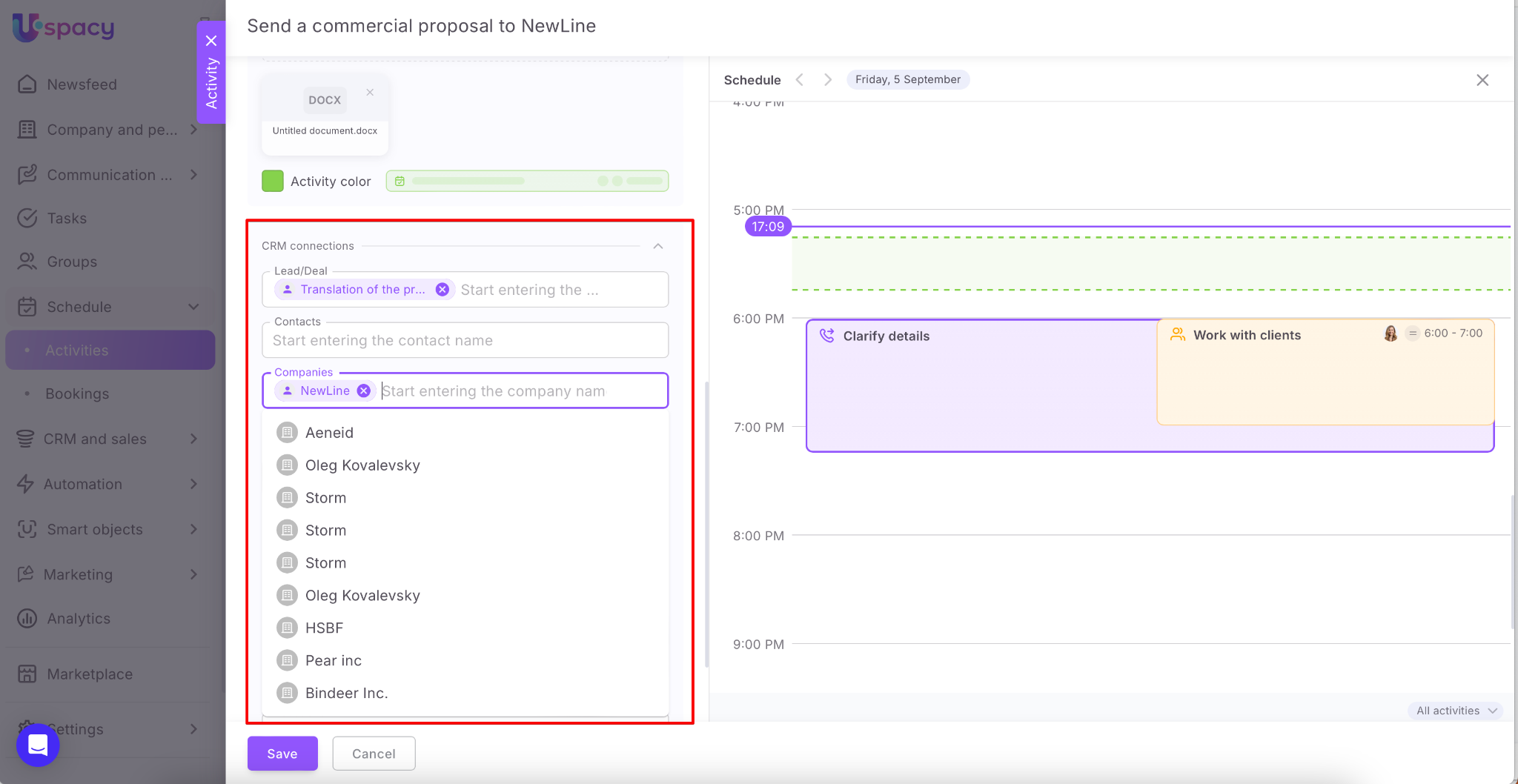
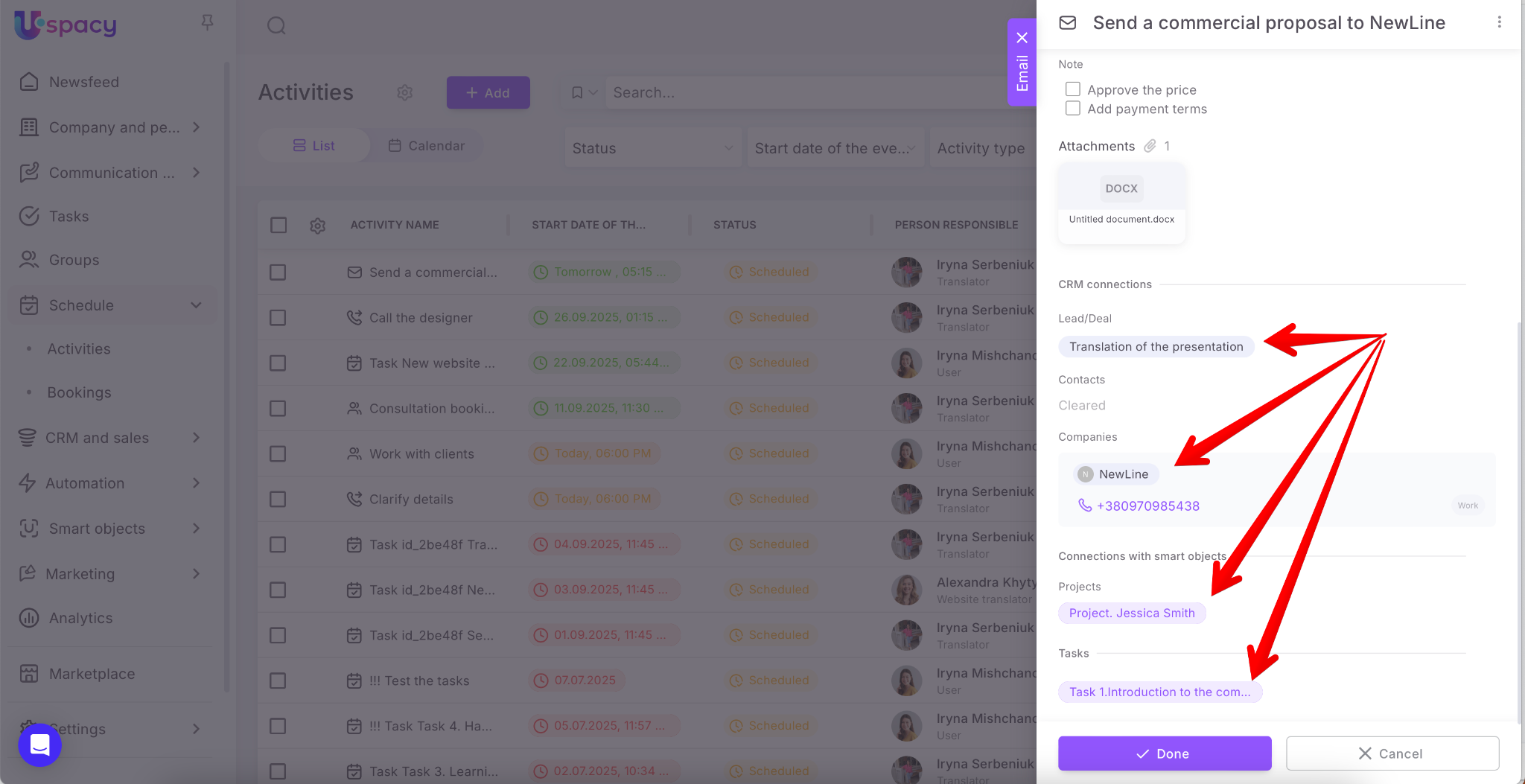
Finally, bind the activity to the right CRM elements (lead, deal, contact, or company).
Or with elements of smart objects that you have created.
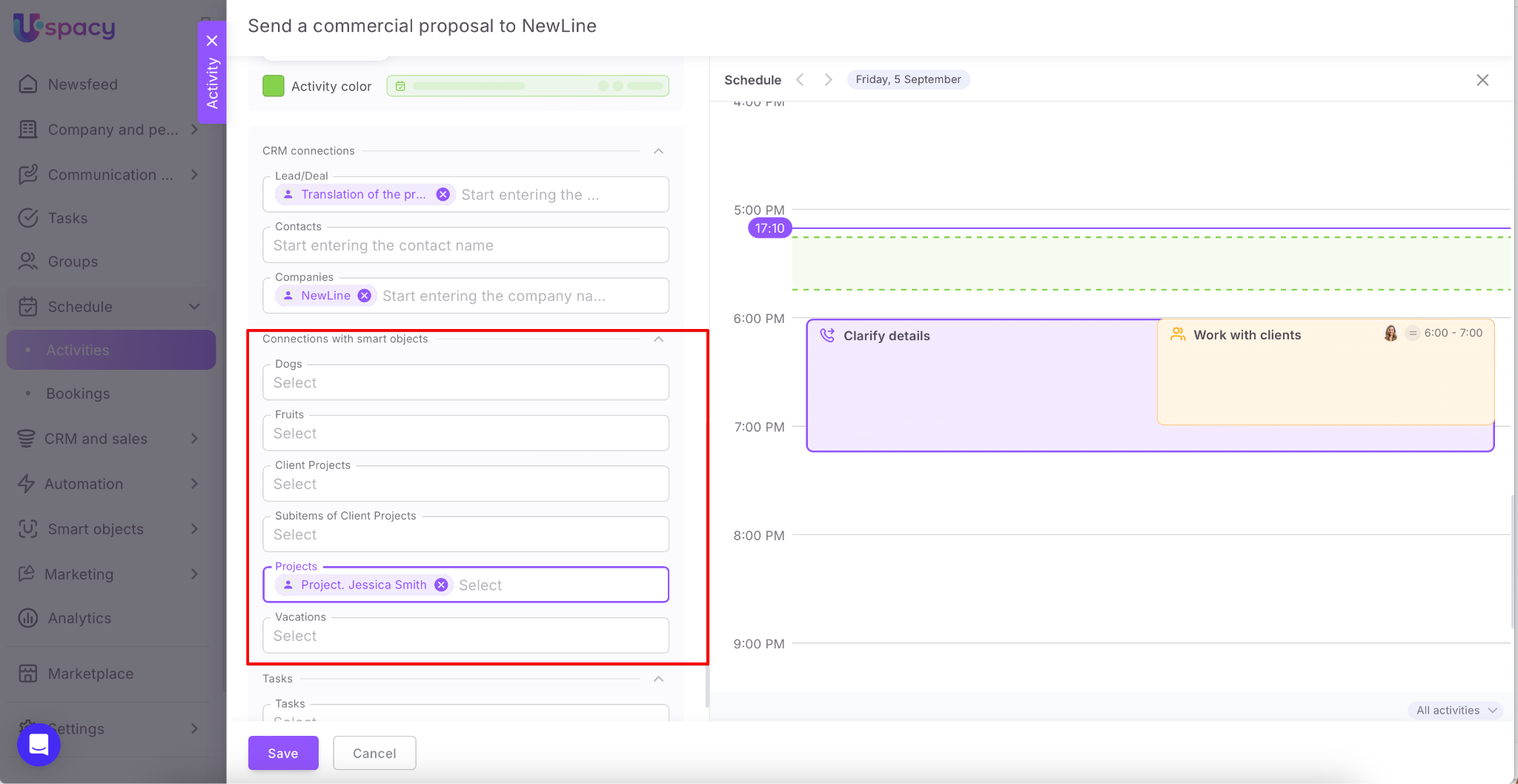
🔍 You can read more on how to schedule activities in CRM cards and smart objects in the following article.
Or with the tasks you are currently working on.
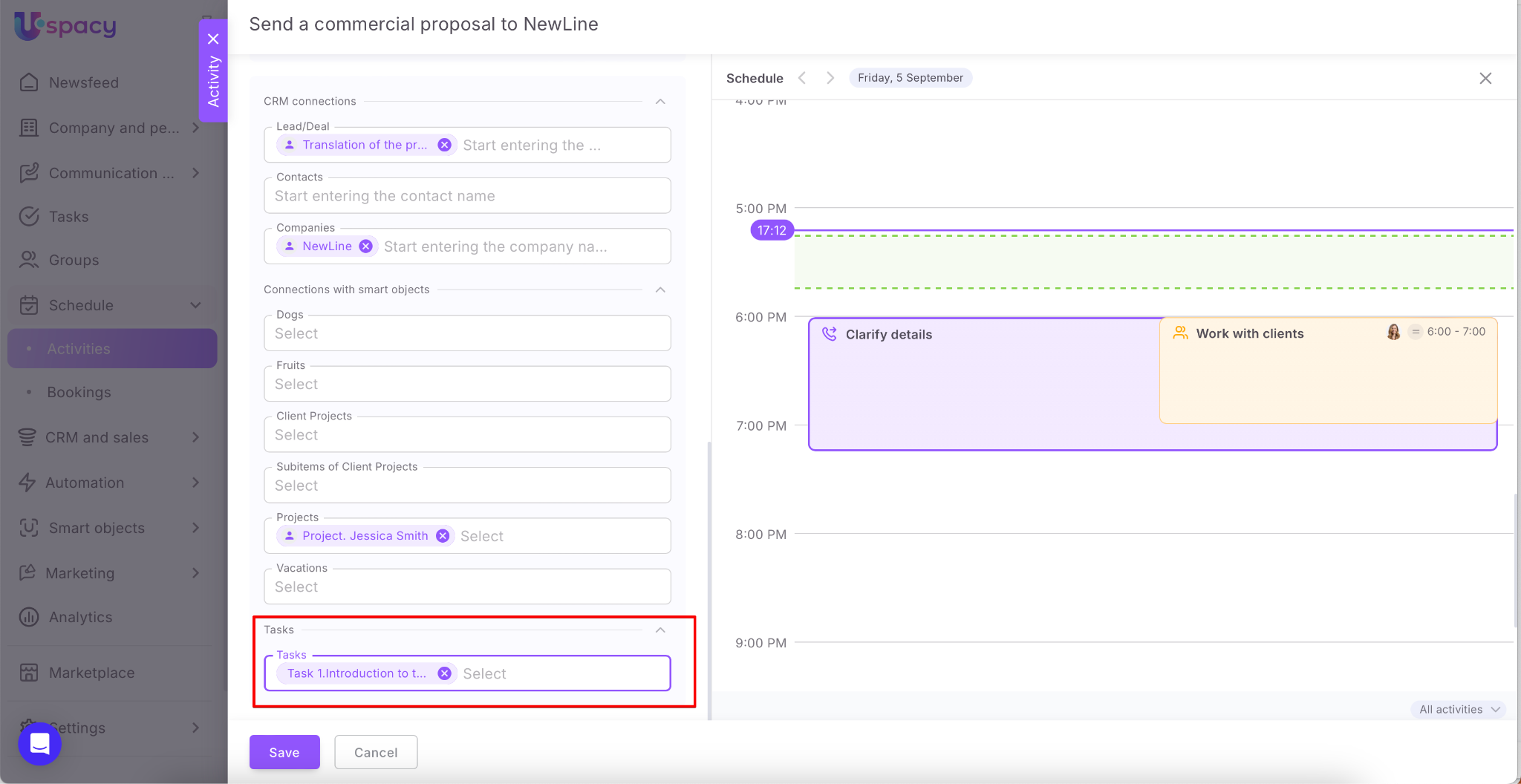
🔍 You can read more on activities for tasks in the following article.
Be sure to Save everything.
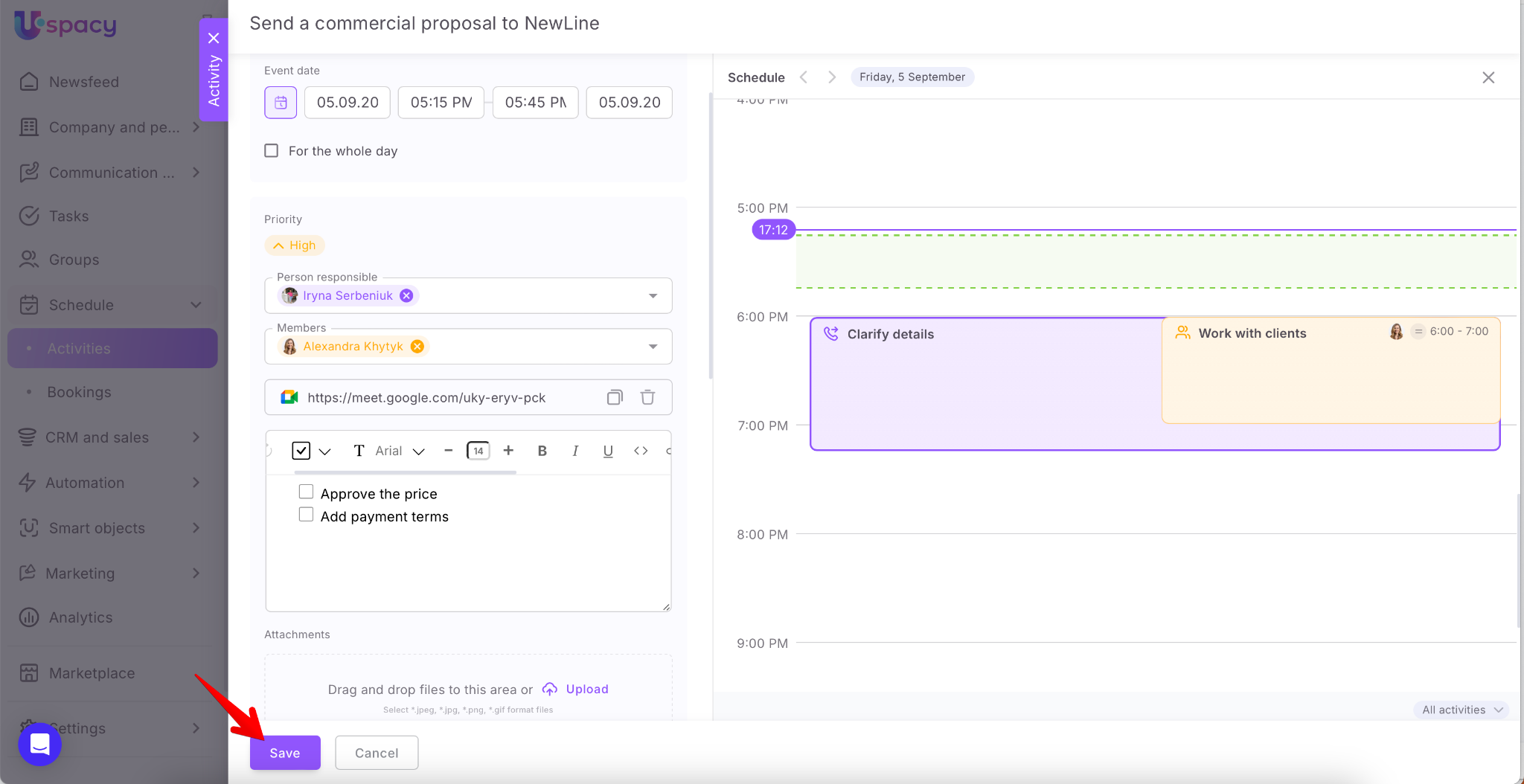
The new activity will open in the viewing form.
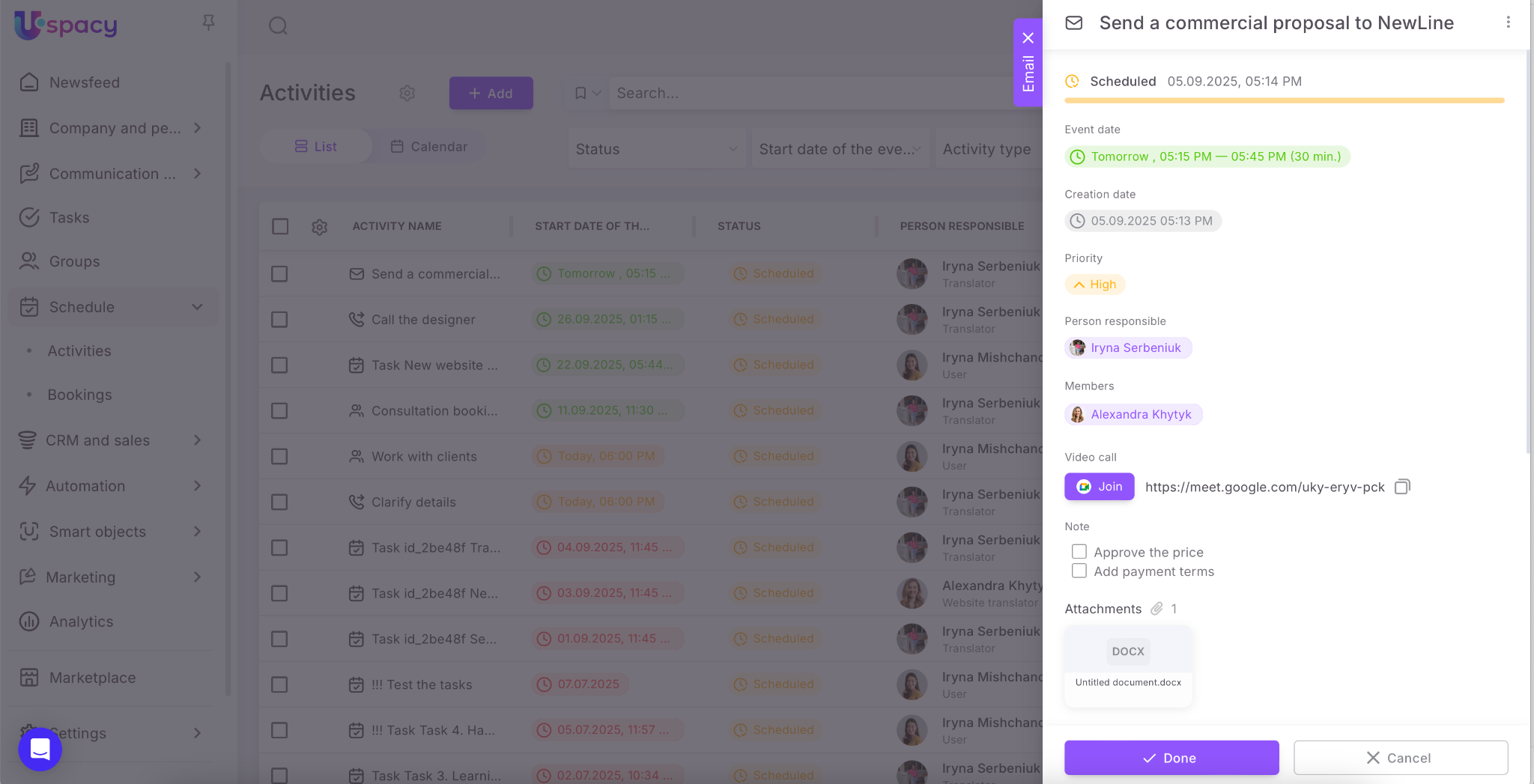
Here you can go to all CRM elements, smart objects or tasks specified in the card. Just click on the desired one.
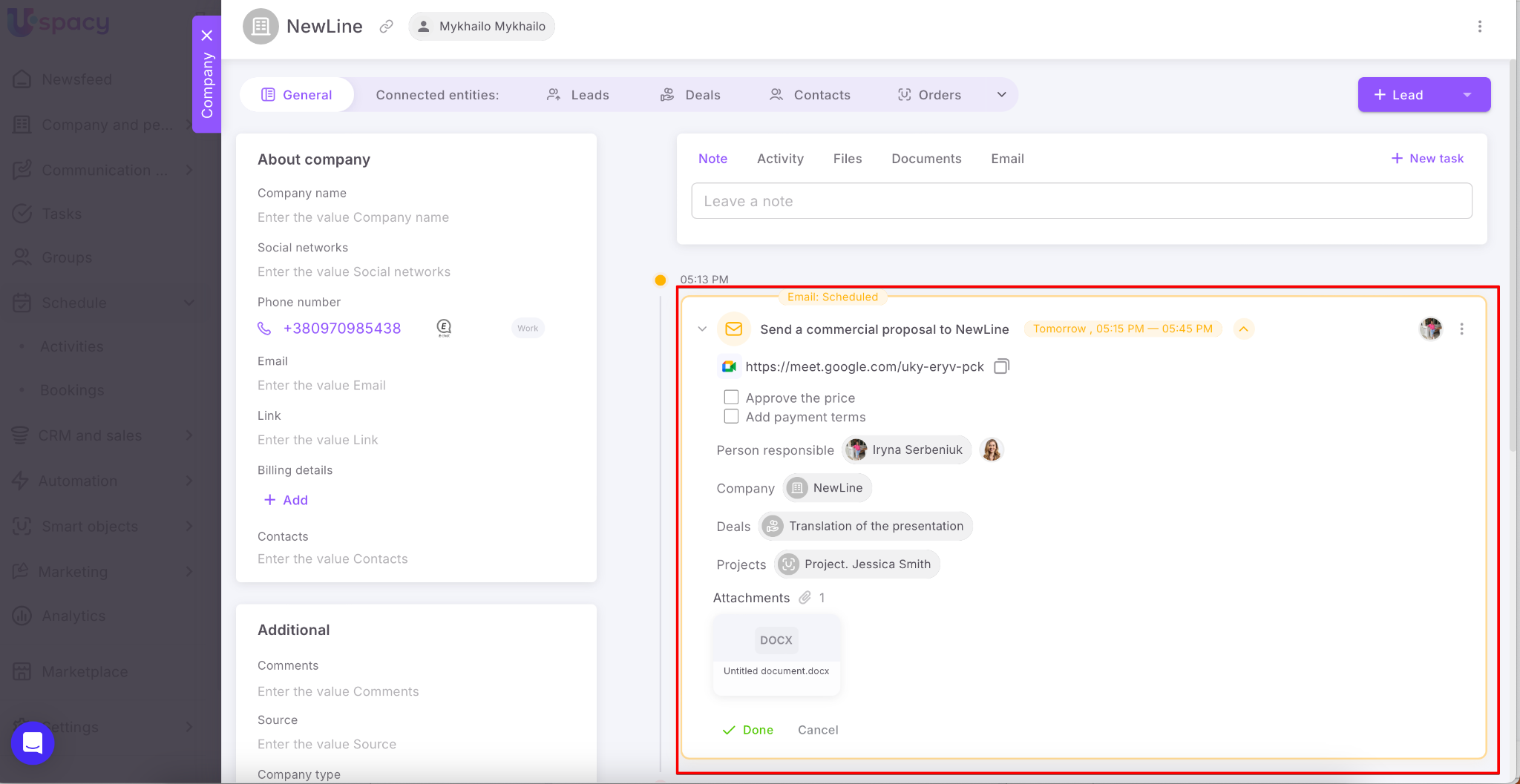
The created activity will be displayed in its card as well.
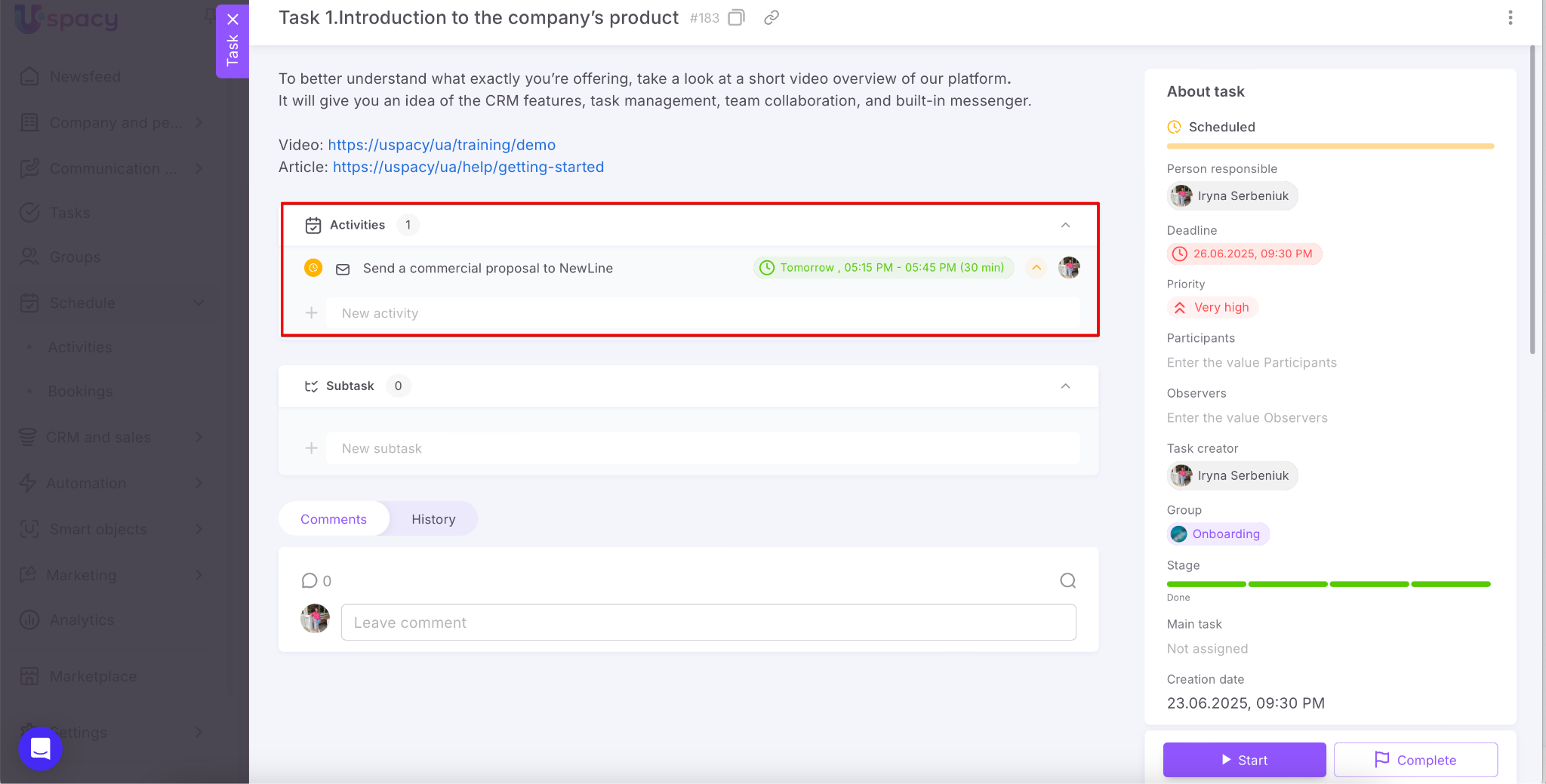
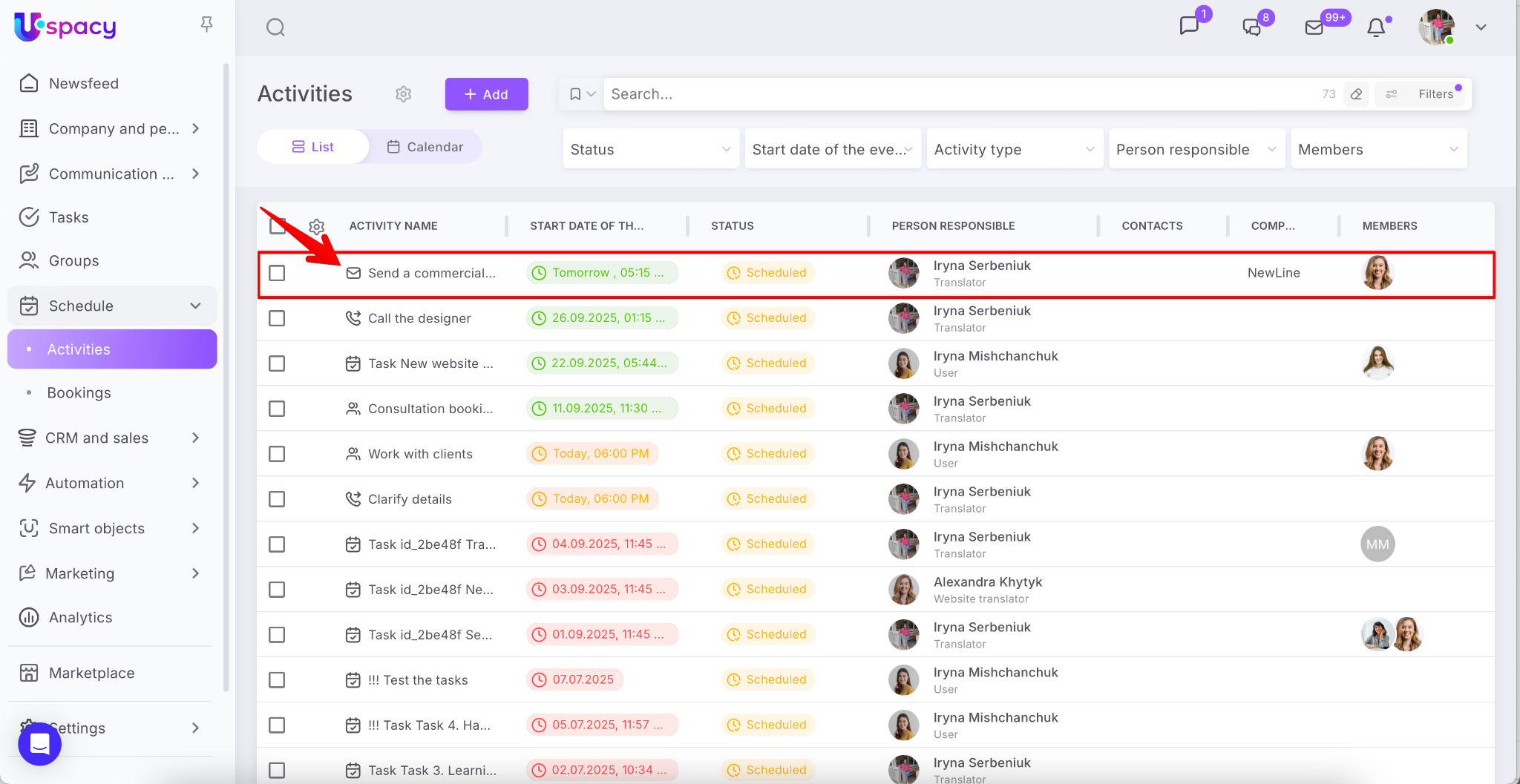
And of course, the newly created activity will be displayed in the general list. In addition, you will also see its type. It will have a mark next to the name.
If you have additional questions or you need to contact the support, send a request to this email [email protected]
Created: April 28, 2023 / Updated: October 20, 2025